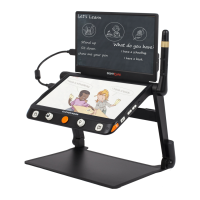
Clover Book: long press the Switch button! in near view mode
to get into full page reading. Long press the Switch button ! in
other viewing modes to quickly back to the Near View mode.
Single Display
When the HDMI Out port is not occupied, the device is in Single
Display case.
■
Viewing Mode toggling
The device with the distance camera: press the Switch button!
toggle between 2 viewing modes or 4 viewing modes (Split
screen is only available on the Clover Book).
Distance View and Mirror View toggling
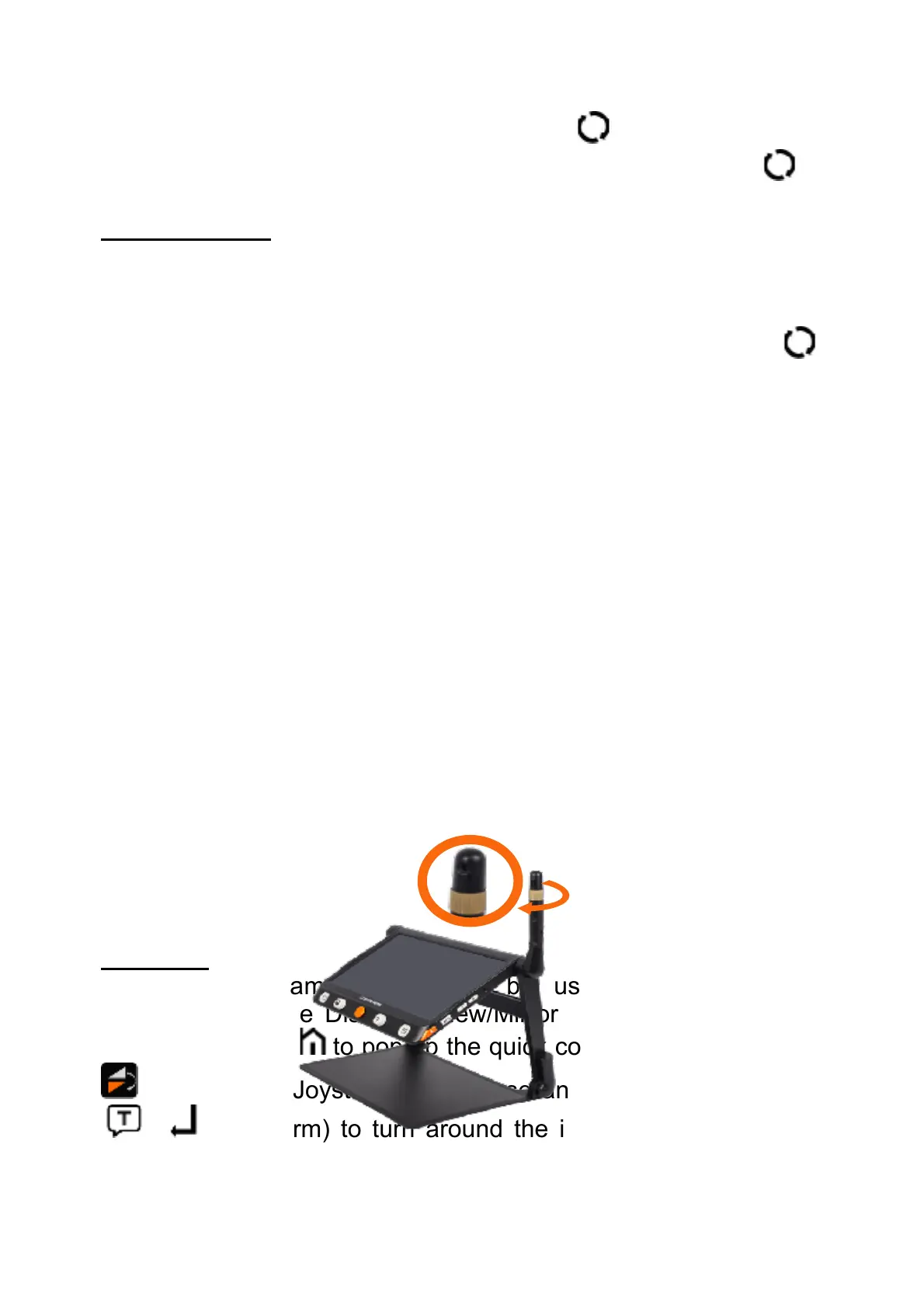
Rotate the Position Knob clockwise and make the distance face
to you. At the certain angle, the device will turn into Mirror View
automatically.
Flip View
The distance camera can also be used for reading and
handwriting. In the Distance View/Mirror View Mode, press the
Home/Exit button! to pop up the quick control bar. Tap the icon
! (or slide the Joystick! to choose and Speech/Enter button
! or! to confirm) to turn around the image and the Lighting
icon is available.


 To Next Page
 Loading...