!
■ Split Screen Control (Optional)
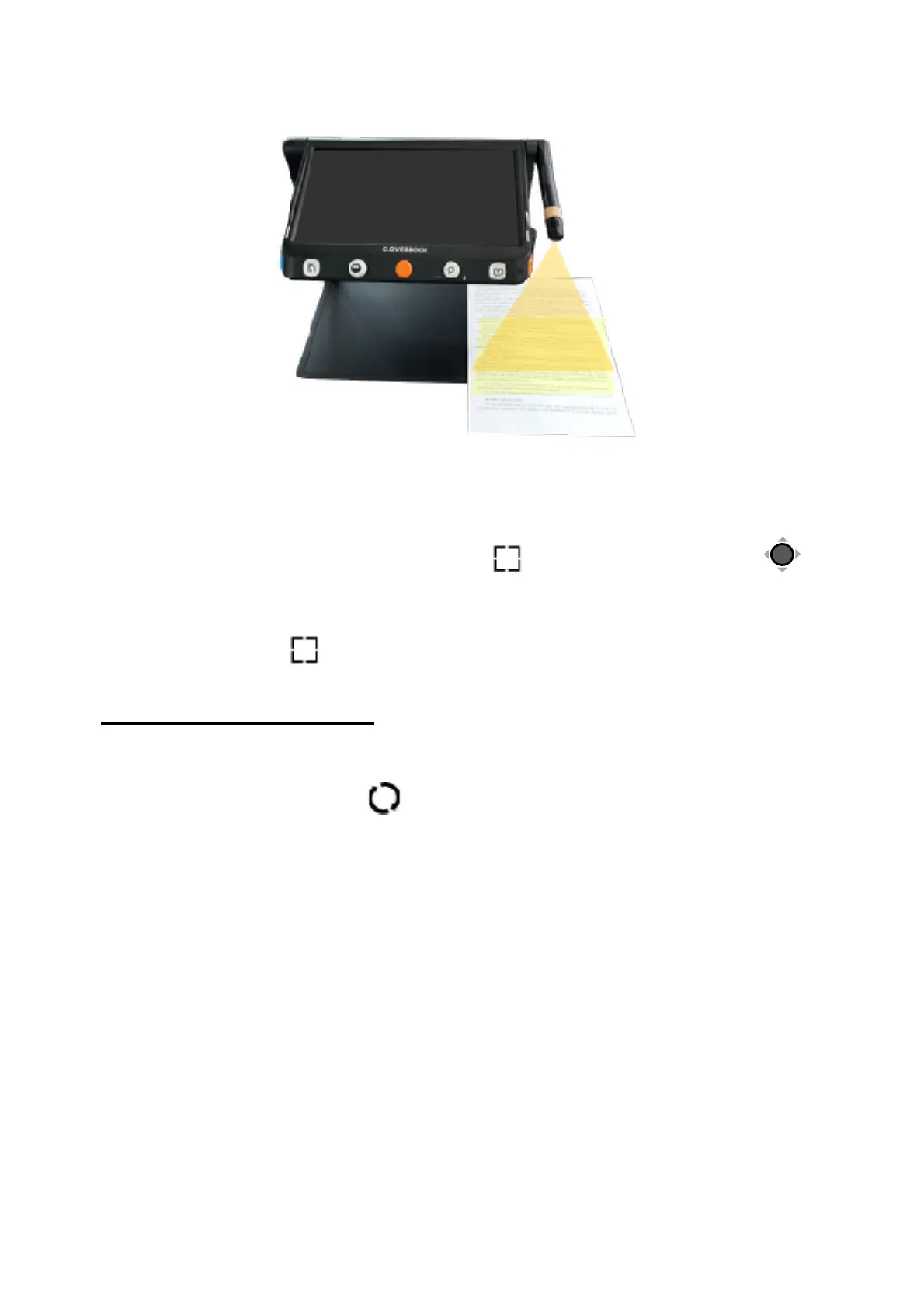
Split screen can show images of the Near View and Distance/
Mirror view at the same time in the display panel.
❑ Press and hold the Locate button! and push the Joystick! to
change the viewing size of two images.
❑ Tap gesture to highlight the one of the split screens (or press
Locate button! to switch), in which operations such as
magnification can be applied.
Dual Display (Optional)
When the HDMI Out port occupied, it is in Dual Display case.
■ Viewing Mode Toggling
Press the Switch button! to toggle between 4 viewing modes.


 To Next Page
 Loading...