©2024 Clover Network, LLC | Clover Confidential | Fiserv Internal Use Only
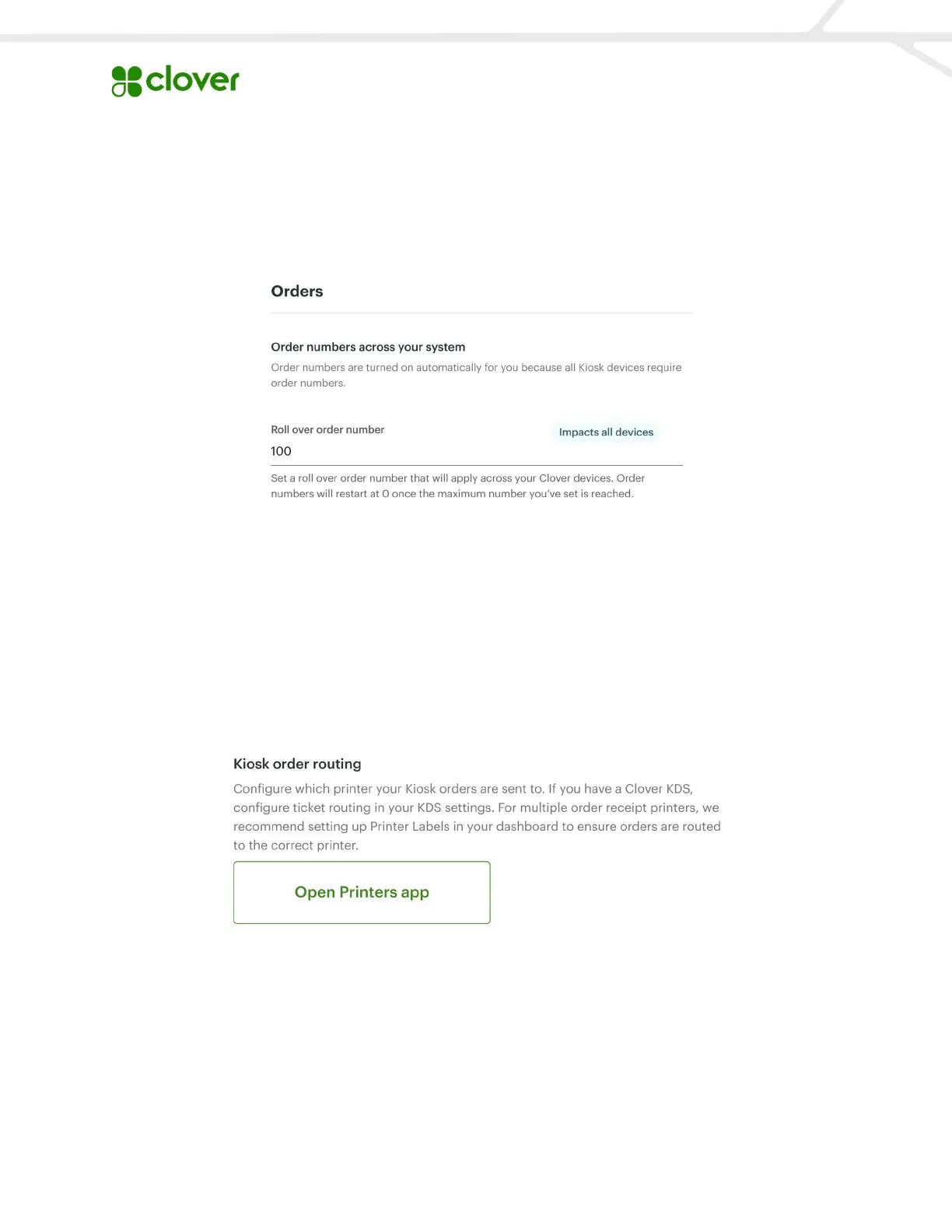
Avoid duplicate order numbers: Set a roll over order number. This is the maximum number
for orders and it will reset to 1 when that number is reached.
Order prefix: Create a unique identifier for Kiosk orders to help differentiate between multiple
Clover order devices. Tip: We recommend using K for Kiosk.
Kiosk order routing: Configure which kitchen printer your Kiosk orders are sent to. If you have
a Clover KDS, configure ticket routing in your KDS settings. For multiple printers, we
recommend setting up Printer Labels in your dashboard to route order tickets to the correct
printer.
Customer information for order fulfillment: When this is turned on, customers have the
option to provide their name for order fulfillment. If the customer doesn’t provide their name,
they will be provided with an order number.


 To Next Page
 Loading...