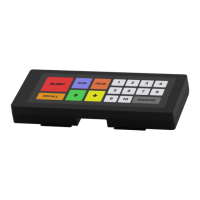
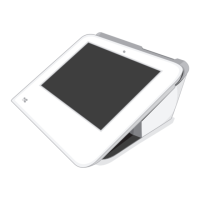
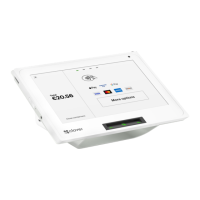
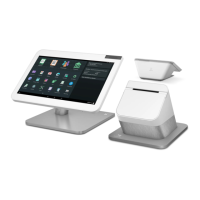
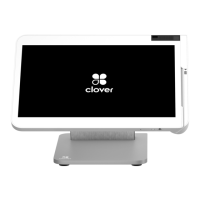
● Clover labels not present or show signs of peeling
If you have any questions or suspect your device has been tampered, call Clover Support and
request a replacement.
For more Troubleshooting topics, visit Clover Help: https://help.clover.com/troubleshoot/
What should I do if I do not find the answer to my question or want to leave feedback?
Go to:
https://help.clover.com/faq/what-should-i-do-if-i-do-not-find-the-answer-to-my-question-or-want
-to-leave-feedback/
If you do not find a specific answer to your question by:
1. Looking at the Learn app and topic guides
2. Looking through the Troubleshooting section
3. Using the Search bar on the top of this website to search for your question
Or if you would like to submit feedback to us, please click on the “Feedback” on the bottom of
this page or any other webpage that you see on this website. From there, let us know about
your specific questions and suggestions.
P2PE Implementation Manual for PCI P2PE v2.0 Clover Network, Inc. April 2018
© 2018 Clover Network, Inc. All Rights Reserved. Page 71


 To Previous Page