11 / 17
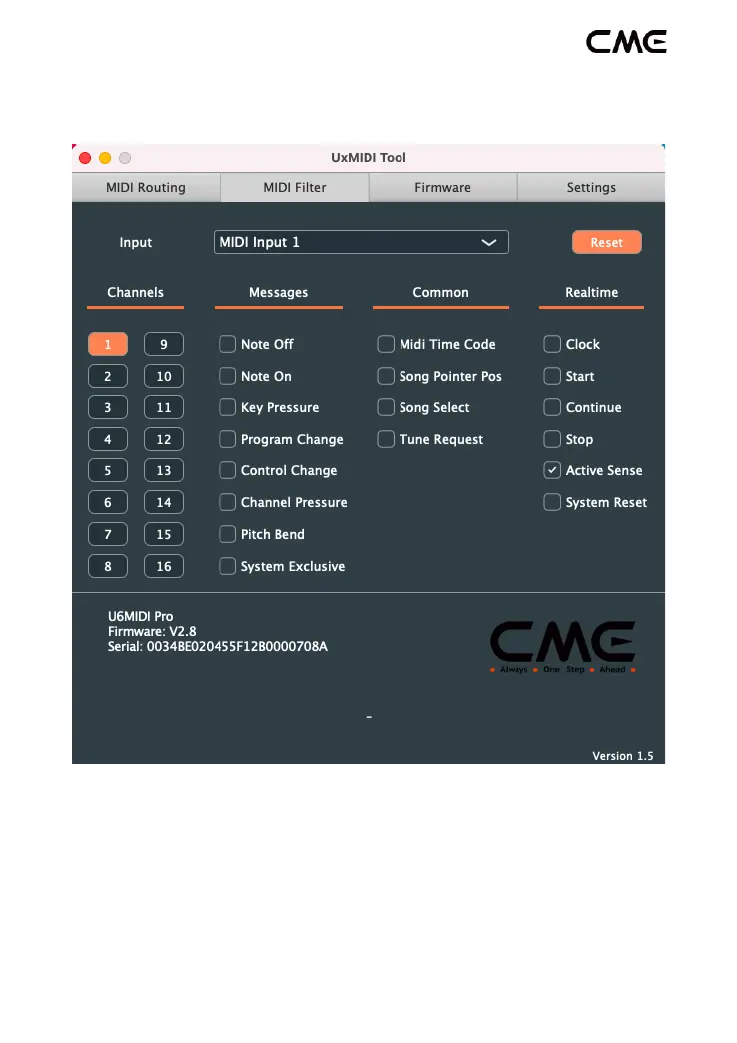
Note: All filter settings will be automatically saved to the internal
memory of the U6MIDI Pro.
3. Firmware Upgrade
Please connect your computer to the Internet, the software will
automatically connect to CME's cloud server to check if there is a
latest version of firmware available for update. After loading the new
firmware program, click [Start upgrade] to start the upgrade. After


 To Next Page