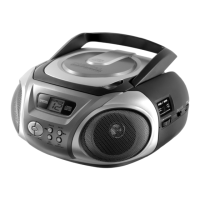
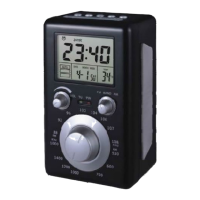
Radio
- 10 -
4. Press MODE to confirm.
5. Repeat step 3 and 4 to program further tracks.
6. Press the PLAY/PAUSE button to start playback.
6. Radio
6.1. Listen to radio
1. Set the function switch to RADIO.
2. Select AM, FM or FM Stereo.
3. Turn the tuning knob to tune into your favorite radio
station.
For best reception point the antenna in a different direction or
choose a different location.
7. External components
7.1. Connect earphones
1. Connect your earphones or headphones.
The speakers are muted if earphones are connected.
To avoid hearing problems do not use earphones or
headphones for an extended period of time.
Increased sound pressure from earphones or
headphones can cause hearing loss.



 To Next Page