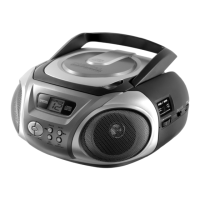
External components
- 11 -
7.2. USB 2.0 / SD
Extend your system by connection your MP3 player, USB stick or
SD and MMC card.
The media should not exceed 2 GB of memory
Do not disconnect the device when „USB“ or „SD“ mode
is selected.
1. Connect your MP3 player, USB stick or SD / MMC card.
2. Set the function switch to CD/MP3/USB/SD.
If there is no CD in the CD tray, then go to point 3.
If there is a CD in the CD tray, then press PLAY/PAUSE
and STOP simultaneously to switch to USB /SD.
3. Press PLAY/PAUSE to start playback.
To avoid damage only disconnect the device after
pressing the STOP button and selecting a different mode
with the function selector.



 To Next Page