Version 1 Page 14 of 24 cmx® STINGRAY
9. Recording
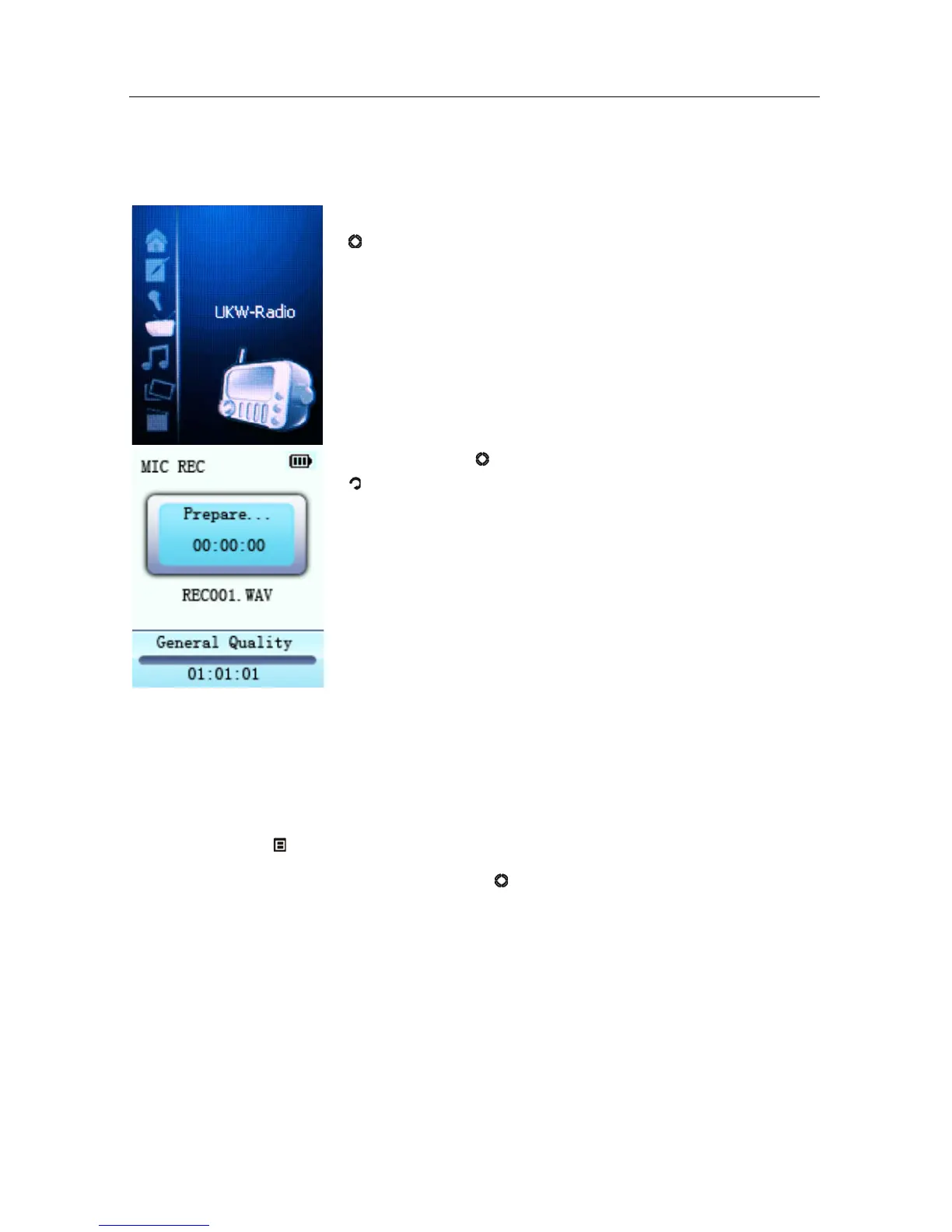
In the main menu select Recording and touch Enter
(
) to access recording mode.
Touch Enter (
) to start recording and touch Exit
(
) to stop recording and to save. After saving you
can record again.
9.1. Recording Menu
While recording is paused you can access the main menu by touching
Menu/Options (
).
Select Settings and confirm with Enter (
).
In the Recording submenu the following settings can be changed:
1. Recording Quality: High Quality or Standard Quality (higher
recording quality needs larger files than recordings with Standard
Quality).
2. Volume REC: Select between five options +1, +2, +3, +4 and +5.
The higher the number, the higher the recording volume.



 To Next Page