DO200 Parking Occupation Sensor
Beijing Dingtek Technology Corp., Ltd. Tel:86-10-64718863,64753700
http://www.dingtek.com E-mail: service@dingtek.com
Room A209, Flounder Business Park, Shunbai Road 12, Chaoyang District, Beijing, China 100022 Page
6
5 Quick Start
Step1: Open the case, and install the SIM card;
Step2: connect the power supply;
Step3:set the APN;
Step4: restart sensor, then check if data is received after power is turned on;
Step5: Actual parking space test
Actual parking space test:
Step1: Online tested
Step2: After the device is powered on, close the outer casing;
Step3: Install the equipment on the parking space; please refer to the Installation Manual.
Step4: Restart the device and initialize it; check whether the initialized data is received on the
platform. If so, continue with the steps below;
Step5: Drive into the vehicle, trigger the device to report the data; view the data on the platform;
Step6: Wait at least 10s or more
Step7: Drive out the vehicle, trigger the device to report the data; view the data on the platform;
The above 5, 6 steps can be repeated for testing.
Note:
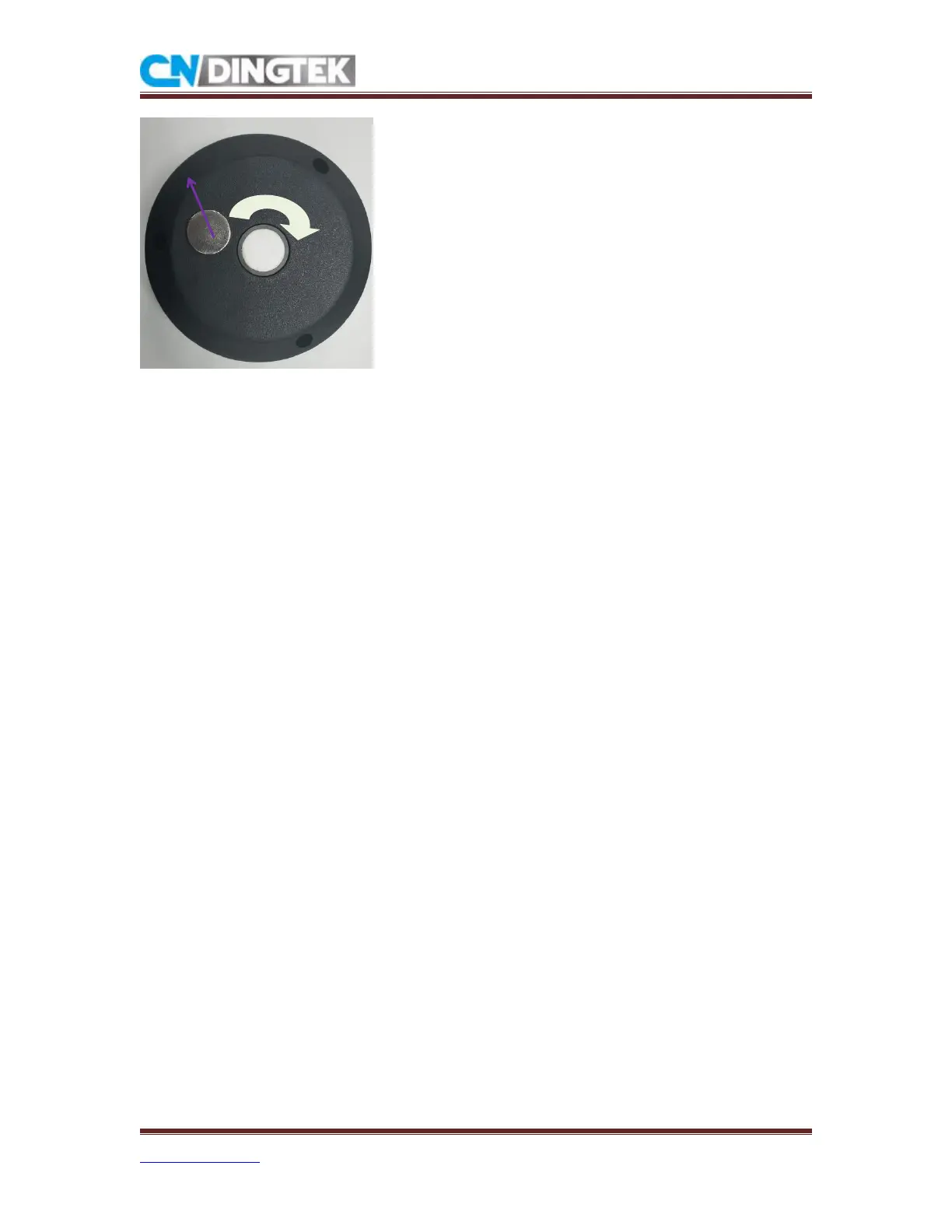
1 when you restart sensor, please use the magnet to reset, But don't plug and unplug the battery
frequently!
2 Please disconnect the battery and capacity when you donot use the sensor!



 To Previous Page