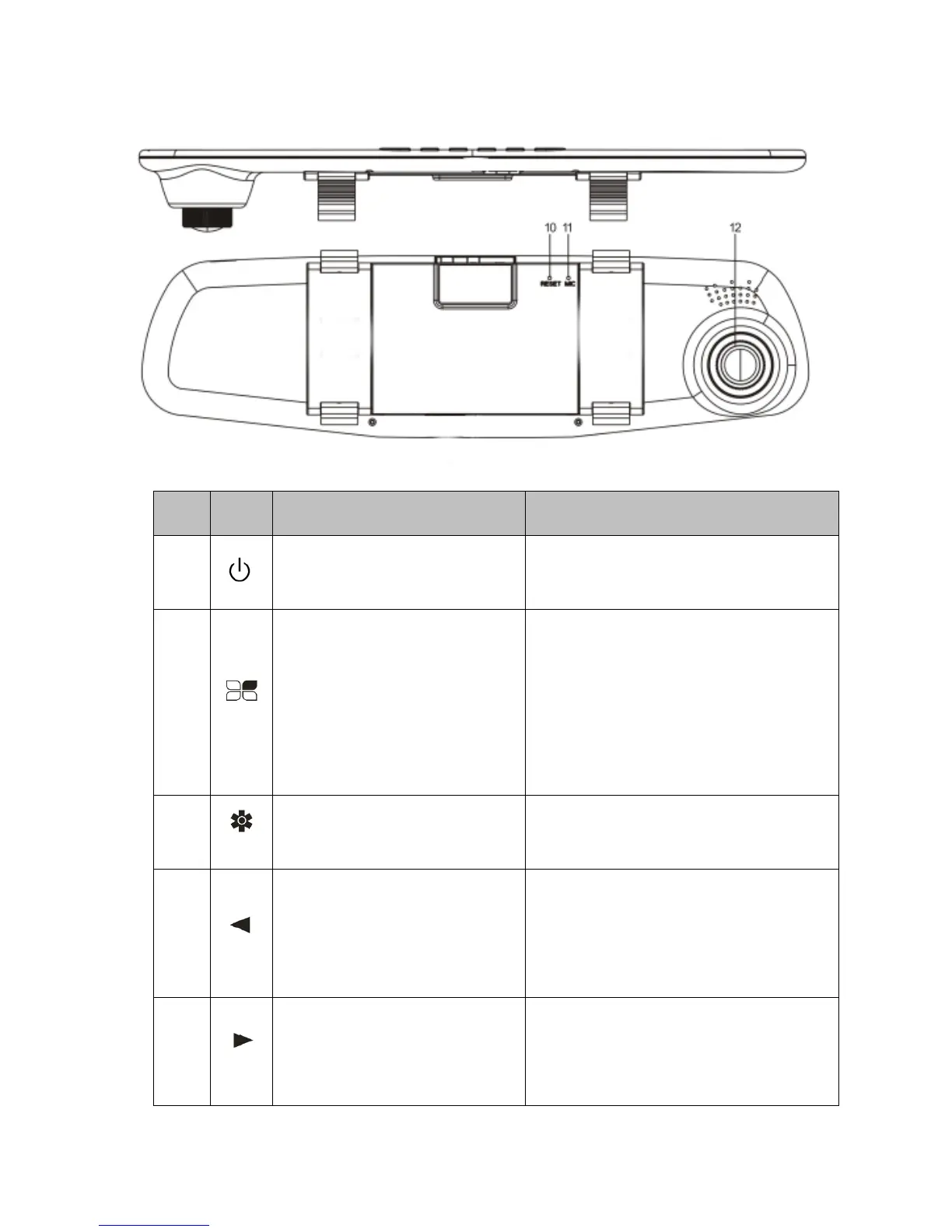
No. Icon Name Operating instructions
1 Power Button
Hold to turn on / off; press to toggle
screen back-light on / off;
2
The menu key /Video
Emergency lock button
In Standby mode, press the key to
transfer function setup menu;
Continuously press the key to switch
between the settings menu;
In Recording mode, press the button
to lock on the file, not be cyclic
covering;
3 Mode Button
For video / photo / Playback switch
function;
4
Page up /Playback Mode
sound Volume Adjust
Menu options, select the function key;
Standby or video mode;
Playback mode, press the button to
reduce the sound volume;
5
Turn down/Mute
Menu options, downward selection
function keys
In video mode, press this button to
mute the sound



 To Next Page