14
ENGLISH
• FMT: Select either 12- or 24-hour time display (24-hour is default).
• TIME: Set thehours and minutes.
• DATE:
- Set theorder of how theday, month and year are displayed: DDMMyy or MMDDyy
- Month setting
- Day setting
- Year setting
• CLR:
- Select ON if you want themax/min readings to be set to zero every night (at
midnight). “CLEARS 24” is shown in thedisplay.
- Select OFF if you wish to delete thesaved readings manually. Referto
theClearing readings section.
• UNIT SET:
- Temperature: Set theunit of measurement in which thetemperature
is to be displayed: °C or °F
- Wind speed: Set theunit of measurement in which thewind speed
is to be displayed: m/s, km/h, knots, mph or btf (Beaufort scale)
- Rain: Set theunit of measurement in which therainfall
is to be displayed (mm or inches)
- Pressure: Set which unit of measurement theatmospheric pressure
is displayed in (hPa, inHg or mmHg)
Settings/adjustments
Set the time, date, units of measurement, limits and display lighting.
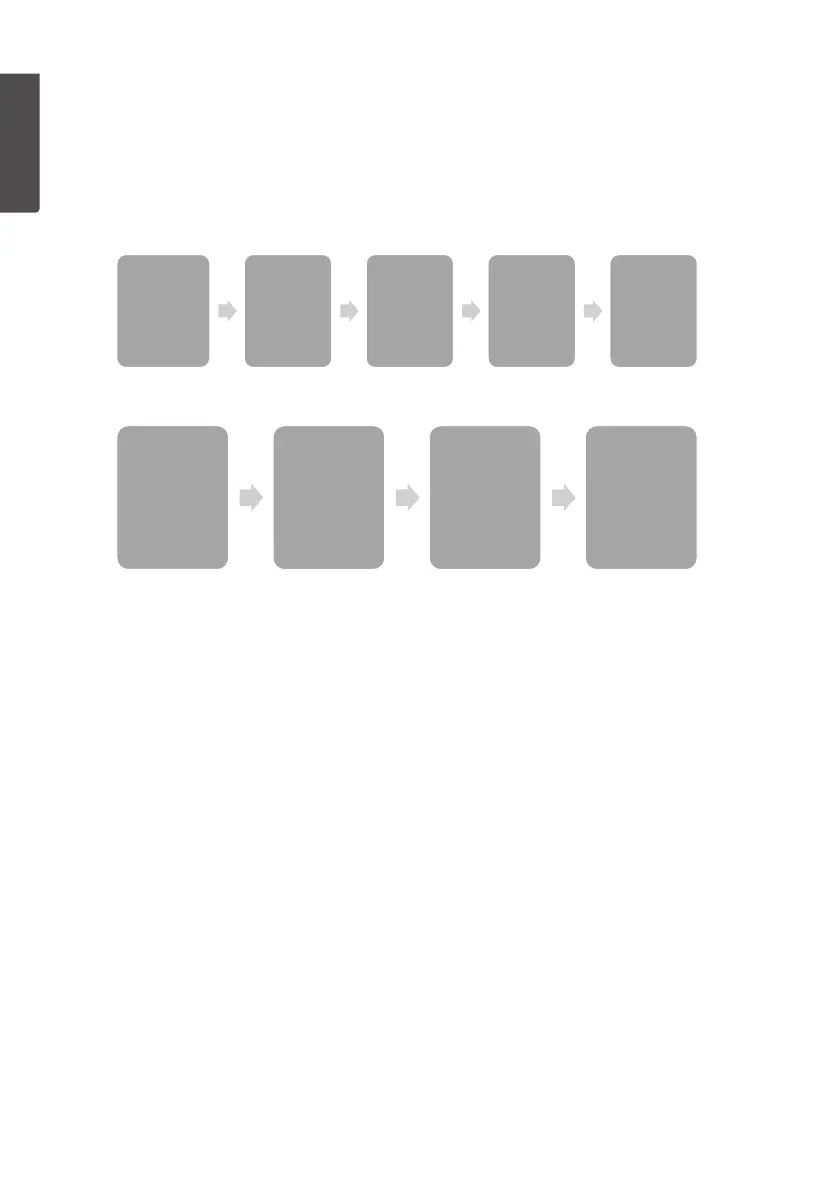
1. In normal mode, hold in [ MODE/SET ] for 3 seconds to enter thesettingsmode.
2. Press or hold in [ CHANNEL/+ ] or [ HISTORY/- ] to change thevalue.
Confirm each stage with [ MODE/ SET ].
3. You can return to normal display mode at any time by pressing [ SNOOZE/LIGHT ] (12).
FMT
• 12H
• 24H
TIME
• Hour
• Minute
DATE
• DDMMyy
• MMDDyy
• Month
• Day
• Year
CLR
• ON
• OFF
UNIT SET
• Temperature
• Wind speed
• Rain
• Pressure
Threshold
• WEATHER
• STORM
Forecast
• Sunny
• Partly cloudy
• Cloudy
• Rainy
REC
• 16s, 32s, 48s
• 1 – 240 min
Backlight Color
• LED
• IN
• OUT
• USE
• LOWER
• UPPER
• BRIGHT



 To Next Page