20
ENGLISH
Alarm Clock
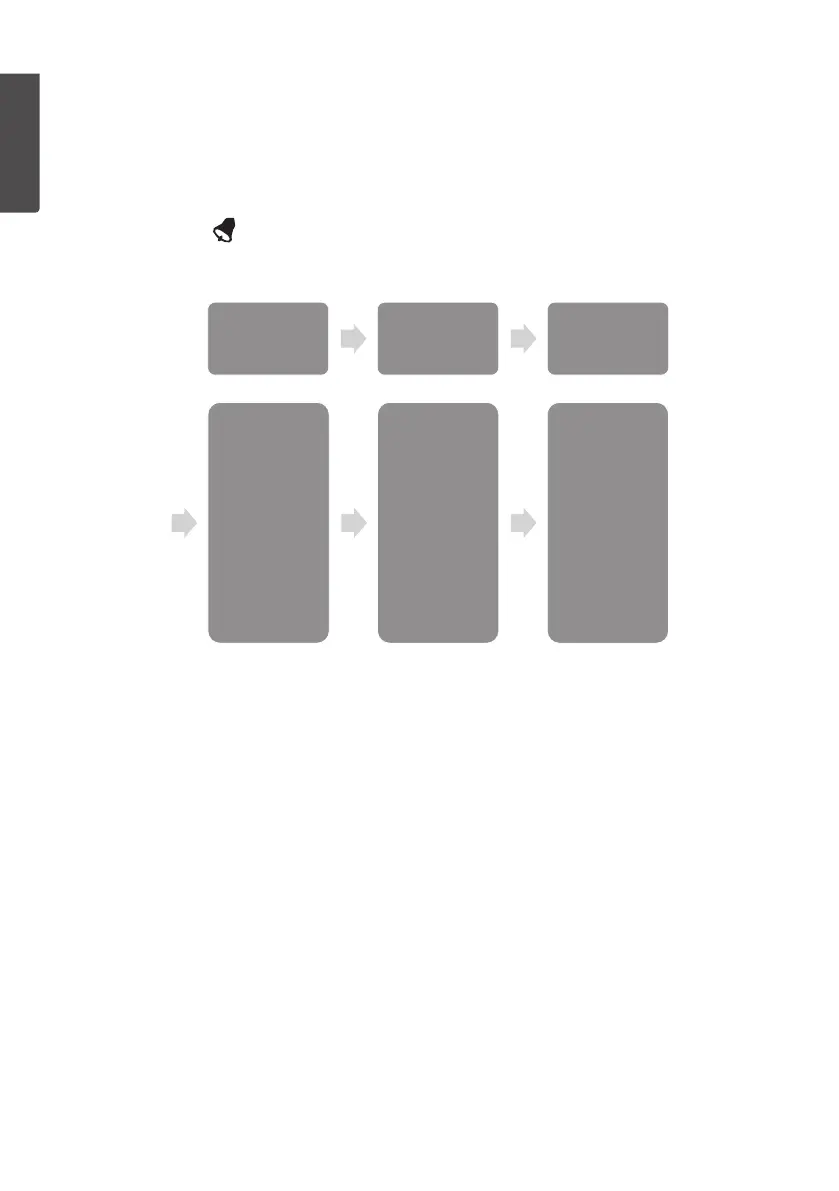
• Hour
• Minute
Rainfall
• 1h, high
• 24h, high
Wind
• Gust, high
• Speed, high
Outdoor
• Temp
• high
• low
• Humidity
• high
• low
• Feels like
• high
• low
• Dew point
• high
• low
Pressure
• Absolute
• high
• low
• Rela�ve
• high
• low
Indoor
• Temp,
• high
• low
• Humidity
• high
• low
Setting the alarm
1. In normal display mode, hold in [ MAX/MIN/ALARM ] for 3 seconds.
“HI” will appear on thedisplay.
2. Hold in [ MODE/SET ] for 3 seconds to enter thealarm setmode.
3. Press or hold in [ CHANNEL/+ ] or [ HISTORY/- ] to change thevalue.
4. Activate or deactivate thealarm by pressing [ MIN/MAX/ALARM ]. Select ON
orOFF. The symbol comes on to indicate that thealarm is activated.
5. Confirm each step with [ MODE/ SET ].
6. You can now return to normal display mode by pressing [ SNOOZE/LIGHT ] twice.
• Alarm Clock: Set thealarm clock (hours, minutes).
• Rainfall: Set thealarm limits for rainfall (1 hour “1h”, 24 hours “24h”)
• Wind: Set thealarm limit for thewind speed “GUST” and theaverage wind speed
“AVERAGE”
• Outdoor: Set theupper “HI” and lower “LOW” alarm limits for theoutdoor
thermometer/hygrometer.
- Temperature: Set thealarm limits for theoutdoor temperature
- Humidity: Set thealarm limits for thehumidity
- Feels like: Set thealarm limits for theperceived temperature
- Dew point: Set thealarm limit for thedew point
• Pressure: Set theupper and lower alarm limits for theatmospheric pressure.
- Absolute: Set thealarm limits for absolute pressure
- Relative: Set thealarm limits for relative pressure
• Indoor: Set theupper and lower alarm limits for theindoor temperature and
humidity
- Absolute: Set thealarm limits for absolute pressure
- Relative: Set thealarm limits for relative pressure



 To Next Page