EasyManua.ls Logo

CO-Z SGO-0000-01 - User Manual

Default Icon
56 pages
Print Icon
To Next Page IconTo Next Page
Loading...
Sliding Gate Opener
User Manual
Read Carefully Before Use
Keep for Future Reference
V20231201
SGO-0000-01 1400 lb. Complete Kit
SGO-EC06-02 1400 lb. Essentials Kit
SGO-1801-GY 1800 lb. Home Use Kit

Table of Contents

Questions and Answers

  • R
    Robert NelsonAug 3, 2025
    Why CO-Z Gate Opener remote control does not work?
    • J
      James RogersAug 3, 2025
      The CO-Z Gate Opener remote control might not be working due to several reasons: it could be out of range, so try moving closer to the gate opener. There might be a remote-receiver incompatibility, in this case, try reprogramming the remote. The receiver might be damaged, consider having it replaced. Finally, the battery may be dead. Replace the battery (12V23A) and check if the indicator light turns on. If not, seek professional assistance.
  • J
    Jamie DudleyAug 7, 2025
    What to do if CO-Z SGO-0000-01 cannot open or close?
    • D
      Daniel TuckerAug 7, 2025
      If your CO-Z gate opener isn't opening or closing, here's what you can check: * First, verify the power supply is working correctly; get professional help if needed. * Second, examine the limit switches, try repositioning the magnets, and test with a multimeter. If it doesn't beep, replace the limit switches. * Third, ensure all circuit connections are fully reconnected and tightened. * Fourth, if the motor is damaged, seek professional servicing or replace it. * Fifth, the motor may have overheated; allow it to cool for at least 20 minutes. * Sixth, any damaged electrical component on the control board should be replaced; if necessary, replace the entire control board.
  • W
    wallaceaaronAug 12, 2025
    What to do if CO-Z SGO-0000-01 opens normally but cannot close?
    • P
      Philip McmahonAug 12, 2025
      If your CO-Z gate opens but won't close, consider these potential issues: * Check for obstructions blocking the infrared sensor and remove them. * Inspect the limit switches by repositioning the magnets; if that doesn't work, test with a multimeter and replace if faulty. * The starting capacitor in the motor may be faulty and needs replacement. * A damaged electrical component on the control board might be the cause; replace it or the entire board if necessary.
  • M
    Melissa LeeAug 16, 2025
    What to do if CO-Z SGO-0000-01 Gate Opener stops midway or returns to the original position?
    • R
      Rebecca ColemanAug 16, 2025
      If your CO-Z gate stops midway or returns to its original position when using Button 1 or 2, it could be due to: * Insufficient resistance: Increase the high-speed obstruction sensitivity by adjusting the P1 setting on the display panel. * Obstacle interference: Remove any obstacles that may be in the gate's path.
  • K
    kristy24Aug 20, 2025
    Why CO-Z SGO-0000-01 stops before fully opening?
    • M
      Mallory RichardsAug 20, 2025
      If your CO-Z gate stops before fully opening and doesn't return to its original position, it could be caused by: * Incorrect installation of limit switch magnets: Correct their positions and try again. * Direction mismatch for a left-slide-open gate: Adjust the cable connection according to Direction Reversal. * Magnetic sensor misfire: Enlarge the distance between the two limit switch magnets.
  • J
    Jessica HarringtonAug 25, 2025
    Why CO-Z SGO-0000-01 can only slide open in one direction?
    • L
      Laura BrownAug 26, 2025
      If your CO-Z gate opener only slides open in one direction, the issue might be due to: * Limit switch failure: Try repositioning the magnets. If that doesn't work, test the limit switches with a multimeter and replace them if they don't beep. * Incorrect circuit connections for the infrared sensor: Inspect the wiring. * Damage to an electrical component on the control board: Replace the component or the entire board.
  • F
    franklin30Aug 29, 2025
    What to do if CO-Z Gate Opener motor is operating properly while the gate is not moving?
    • A
      Amy LopezAug 29, 2025
      If the motor of your CO-Z gate opener is running but the gate isn't moving, it's possible that the manual release lock is not engaged properly. To resolve this, re-engage the manual release lock using the provided keys.

Summary

PLEASE READ THIS FIRST

Audience

Symbol Guide

FOR YOUR RECORDS

Product Description

2.1 Specifications

Details specifications for different sliding gate opener models, including dimensions, power, and compatibility.

2.2 Package List

Lists all main, base, chain support, and limit switch components included in the package.

Optional Accessories for Function Expansion

Outlines optional accessories like warning lights, push buttons, and sensors to enhance gate functionality.

Preparation

3.1 Definition of Sliding Direction

Explains the meaning of sliding direction for gate openers, distinguishing between right and left openings.

3.2 Check Installation Conditions

Lists essential checks for gate compatibility, pillar stability, smooth movement, and clearance before installation.

3.3 Customize Your Installation

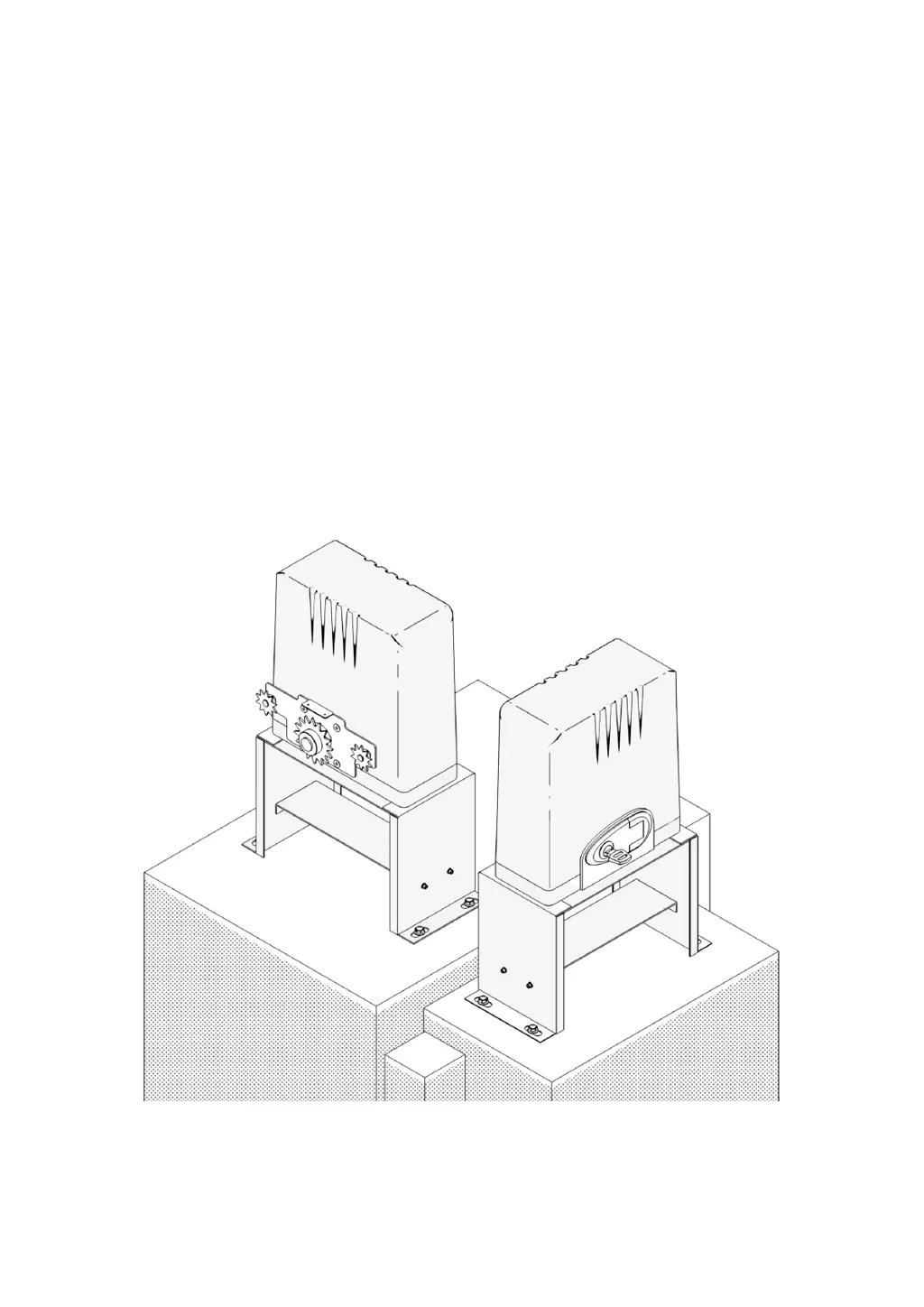
Provides a diagram illustrating the correct placement and configuration of the gate opener system.

3.4 Prepare Components and Tools

Details necessary components not included and a list of tools required for the installation process.

Install Safety Guards

Mechanical Installation

5.1 Safety Precautions

Emphasizes using PPE, avoiding pinch points, and not installing controls within reach of users.

5.2 Base Component Assembly

Details the assembly of base components using specified bolts, washers, and nuts.

5.3 Base-Main Unit Connection

Guides on attaching the main unit to its base and positioning it correctly relative to the gate.

5.4 Chain Installation

Explains the process of installing the drive chain, including bracket mounting and chain tensioning.

5.5 Chain Test

Describes how to perform a manual test of the chain and gate movement after installation.

5.6 Chain Box Cover Reinstallation

Instructions for reattaching the protective chain box cover securely after installation.

Electrical Component Installation

6.1 Important Information

Provides crucial safety information, PPE usage, and earthing checks for electrical connections.

6.2 Circuit Connection Methods

Details methods for making secure wire connections to terminals and extending wires properly.

6.3 Control Board Description

Overviews the control board layout, including indicator lights, buttons, digital display, and interfaces.

6.4 System Powering

Guides on connecting the gate opener to a 110V AC 60Hz power source safely.

6.5 Direction Reversal

Explains how to reverse the gate opening direction by reconfiguring motor cable connections.

6.6 Limit Switch Magnets

Details the installation and function of magnetic limit switches for controlling gate travel limits.

6.7 Fixation

Instructions for securely mounting the gate opener base to the ground or a concrete footing.

6.8 Infrared Equipment Connection (SGO-1801-GY Only)

Provides wiring instructions for connecting infrared sensors to the gate opener system.

6.9 Wire Connection Guidance of Optional Accessories

Guides on wiring for optional accessories like warning lights, push buttons, and card readers.

Operation

7.1 Remote Control Description

Explains the remote control's buttons and modes (three-button and single-button).

7.2 Functions

Details core functions like movement limitation, obstruction feedback, auto-closing, pedestrian mode, and travel learning.

7.3 Code Display

Lists and explains the various codes displayed by the system to indicate operational status or events.

7.4 Basic Function Configuration

Guides on accessing, adjusting, and saving basic settings using the control panel buttons.

7.5 Advanced Function Configuration

Details advanced settings such as remote code learning, clearing, travel learning, and parameter adjustments.

Troubleshooting

Maintenance

Disposal

Contact Us

CO-Z SGO-0000-01 Specifications

General IconGeneral
BrandCO-Z
ModelSGO-0000-01
CategoryGate Opener
LanguageEnglish

Related product manuals