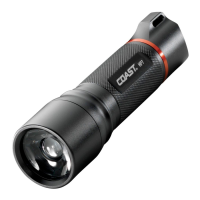
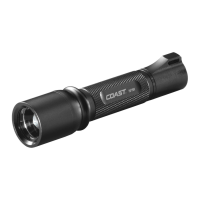
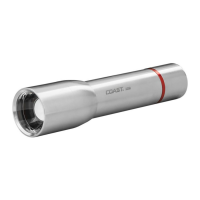
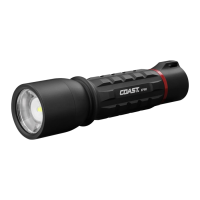
To adjust the beam into the Bulls-Eye Spot™ mode, slide the head of the
light all the way forward.
To adjust the beam into the broad, flood light mode, slide the head of the
flashlight back.
The beam can be locked into any position, from full flood beam to spot
beam. To lock the beam in position, turn the head of the light to the left.


 To Previous Page