EasyManua.ls Logo

Cobalt Digital Inc 360 - User Manual

Default Icon
120 pages
Print Icon
To Next Page IconTo Next Page
Loading...
Owner’s Manual

Questions and Answers

  • S
    Samuel BennettAug 16, 2025
    How to fix engine not cranking on my Cobalt Digital Inc Boat?
    • D
      Donna WoodsAug 16, 2025
      If your Cobalt Digital Inc. Boat engine won't crank, there are several things you can check: * Ensure the lanyard is installed on the ignition safety switch. * Verify the battery switches are in the ON position. * Confirm that the shift levers are in the start or neutral position. * Check that the batteries are fully charged. * Inspect the starter connections and tighten them. If the solenoid clicks when you try to start the engine, check the battery connections. If the problem continues, consult your Cobalt dealer. * Make sure the engine circuit breaker is in the operating position. If these steps don't resolve the issue, it could be a faulty ignition switch or a more complex engine problem, and you should see your Cobalt dealer.
  • W
    William JohnsonAug 19, 2025
    Why is my Cobalt Digital Inc 360 Boat losing performance?
    • M
      Miss Diana TaylorAug 19, 2025
      If you are experiencing performance loss with your Cobalt Digital Inc. Boat, consider the following: * Check that both throttles open fully at the engines. * Ensure you are using the correct fuel. * Reduce the load if the boat is overloaded. * Distribute the boat load evenly to adjust the boat trim. * Check for excessive water and drain the bilge if necessary. * Clean the boat hull if marine growth is present.
  • K
    Kayla FloresAug 22, 2025
    Why is there no AC power on my Cobalt Digital Inc 360 Boat?
    • M
      Martha PayneAug 22, 2025
      If there is no AC power on your Cobalt Digital Inc. Boat, check the following: * Ensure the circuit breakers are not tripped or in the OFF position. Reset them if necessary. The breakers are located in the aft, port motor box storage, and on the cabin distribution panel. * Make sure the shore/generator selector switch is positioned correctly. * Check if the ground fault circuit interrupter has tripped. Reset the button on the outlet and test. If the problem persists, see your Cobalt dealer.
  • B
    Billy ThomasAug 25, 2025
    Why are the lights dim or not working on my Cobalt Digital Inc Boat?
    • M
      Michelle HesterAug 25, 2025
      If the lights on your Cobalt Digital Inc. Boat are dim or not working, check if the circuit breaker has tripped or is in the OFF position. If so, correct the problem and reset the breaker, then turn it ON. Also, check if the battery is discharged and charge it if necessary.
  • C
    Cheryl VelazquezAug 28, 2025
    What to do if electrical component will not function on Cobalt Digital Inc 360?
    • N
      Norman BennettAug 28, 2025
      If an electrical component on your Cobalt Digital Inc. Boat isn't functioning, check if the circuit breaker has tripped or is in the OFF position. Correct the problem, reset the breaker, and turn it ON.
  • C
    Christopher MillsAug 31, 2025
    Why is there no water at the shower or sinks in my Cobalt Digital Inc Boat?
    • N
      Natalie MoralesAug 31, 2025
      If there's no water at the shower or sinks in your Cobalt Digital Inc. Boat, verify the following: * Check if the fresh water pump circuit breaker has tripped or is in the OFF position. Correct the problem and reset the breaker, then turn it ON. * Ensure the fresh water tank is not empty. * Check the filter located at the tank under the mid-berth and clean it if it's plugged.
  • R
    Rebekah RogersSep 3, 2025
    Why does the engine vibrate on my Cobalt Digital Inc 360 Boat?
    • K
      Kyle StewartSep 3, 2025
      If your Cobalt Digital Inc. Boat engine vibrates, shut off the engine and check the propeller for any bends, breaks, or damage. Also, check for any weeds on the propeller.
  • P
    Paul MooreSep 6, 2025
    What to do if Cobalt Digital Inc 360 Boat engine runs but boat makes little progress?
    • C
      Christopher LongSep 6, 2025
      If the engine of your Cobalt Digital Inc. Boat runs, but the boat makes little or no progress, shut off the engines and check the propeller for weeds or any damage.
  • J
    James SchaeferSep 9, 2025
    How to fix head that will not flush on Cobalt Digital Inc Boat?
    • B
      Brandi NorrisSep 9, 2025
      If the head (toilet) on your Cobalt Digital Inc. Boat won't flush, check if the head circuit breaker has tripped or is in the OFF position. Correct the problem and reset the breaker, then turn it ON.
  • A
    aliciamelendezSep 12, 2025
    Why is there low water pressure at only one sink in my Cobalt Digital Inc 360?
    • B
      bbrownSep 12, 2025
      If you have low water pressure at only one sink in your Cobalt Digital Inc. Boat, it could be due to a restriction or obstruction in the water line.

Summary

General Information

Welcome

A greeting and introduction from the manufacturer to the new boat owner.

Cobalt Warranty

Details the terms and conditions of the transferable warranty for the boat and its components.

Features;Construction

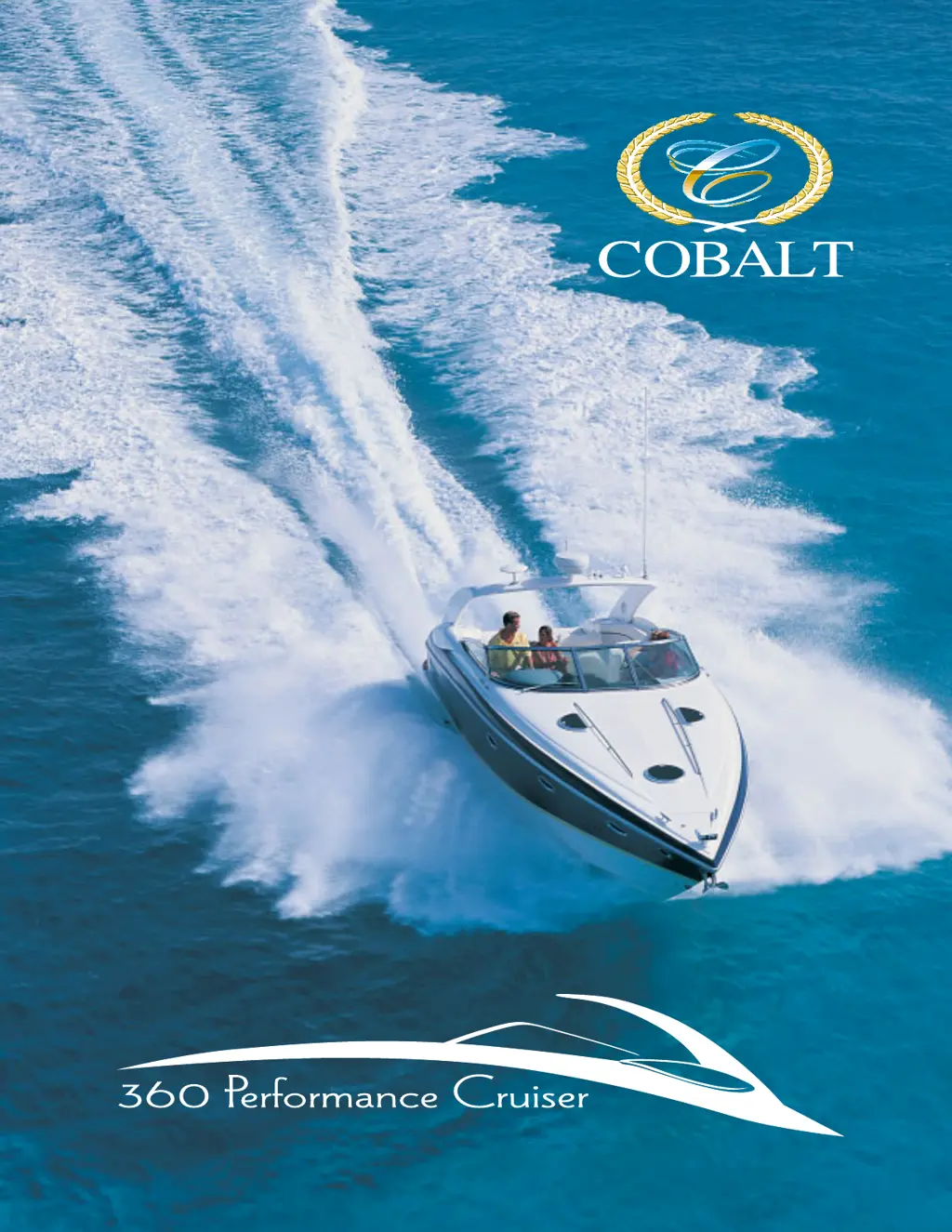
Highlights the amenities and construction standards of the Cobalt 360 Performance Cruiser.

Specifications

Provides key measurements and capacity details for the boat.

Warning Labels

Illustrates and explains various safety warning labels found on the boat.

Standard Equipment

Lists the equipment that is included as standard with the Cobalt 360 boat.

Nautical Terms

Defines common boating terminology used throughout the manual.

Responsibilities and Safety

Owner;Operator Responsibilities

Outlines the duties and responsibilities of the boat's owner and operator.

Required Safety Equipment

Details the essential safety equipment mandated by regulations and standards.

Lifesaving Devices

Explains the types and requirements for personal and throwable lifesaving devices.

Electrical System

Describes the boat's DC and AC electrical systems and their components.

Seaworthiness Inspection

Lists essential checks to perform before starting the boat for safe operation.

Environmental Considerations

Provides guidelines for protecting the environment while boating.

Drugs;Alcohol

Warns against operating a boat under the influence of alcohol or drugs.

Navigation

Covers rules of the road, sound signals, and navigational aids for safe boating.

Encountering Vessels

Explains right-of-way rules for different types of vessels and situations.

Warning Markers

Identifies and explains various warning markers used in waterways.

General Safety

Capacity

Advises on knowing and respecting the boat's weight and passenger capacity.

Loading

Provides guidance on proper weight distribution for optimal boat performance and trim.

Weather;Seas

Offers precautions for operating the boat in various weather and sea conditions.

Visibility

Emphasizes the importance of maintaining clear visibility while operating the boat.

Operating Information

Precautions

General safety advice and checks to perform before operating the boat.

FIRST TIME OPERATION

Guidance for new boaters on understanding controls and procedures.

Fueling

Provides detailed instructions and safety precautions for refueling the boat.

GETTING UNDERWAY

Covers the steps and checks necessary before starting and moving the boat.

Instrumentation

An overview of the boat's dashboard instruments and their functions.

Main Switch Panel

Explains the function of the main electrical control switches at the helm.

Handling Dock and Mooring Lines

Provides instructions on safely handling dock lines for maneuvering and securing the boat.

Steering

Details the steering system's importance, maintenance, and operation.

Docking

Offers guidelines and techniques for safely docking the boat.

Anchoring

Explains the procedure for anchoring the boat safely and securely.

Systems

Machinery Arrangement

Diagram illustrating the location of major systems and components on the boat.

Dimensions

Provides the key physical dimensions of the boat.

Doors, Hatches and Stowage

Details the locations and operation of the boat's doors, hatches, and storage areas.

Fuel

Illustrates the boat's fuel system layout, including tanks and lines.

Cabin Distribution Panel

Explains the function and operation of the cabin's electrical distribution panel.

DC Electrical

Details the 12-volt DC electrical system and its components.

AC ELECTRICAL

Describes the 110-volt AC electrical system, including shore power and generator.

Generator

Information on operating and maintaining the boat's generator.

Fire Suppression Equipment

Describes the location and operation of the boat's fire suppression systems.

Troubleshooting and Maintenance

Scheduled Maintenance and Service

Provides a schedule for routine maintenance tasks for the boat.

Before Each Use

Lists essential checks to perform before operating the boat.

Engine;Propulsion;Cooling System

Guidance on troubleshooting engine, propulsion, and cooling system issues.

Interior;Exterior Care

Instructions for cleaning and maintaining the boat's interior and exterior surfaces.

Corrosion Protection

Explains how to prevent and address galvanic corrosion and marine growth.

Storage;Winterization

Provides procedures for preparing the boat for storage and winterization.

Troubleshooting

Offers a guide to identifying and repairing minor problems with the boat's systems.

Checklist, Forms and Index

Operation Quick Reference

A summary of key operating procedures and safety checks for quick access.

Service Log

A logbook for recording maintenance and repair activities performed on the boat.

Float Plan

A template for creating a float plan to leave with a reliable person for safety.

Alphabetical Index

An alphabetical listing of topics covered in the manual for easy reference.

Useful Information

A section for storing important personal information related to the boat.

Cobalt Digital Inc 360 Specifications

General IconGeneral
BrandCobalt Digital Inc
Model360
CategoryBoat
LanguageEnglish

Related product manuals