EasyManua.ls Logo

COBHAM SAILOR 6018 - User Manual

COBHAM SAILOR 6018
82 pages
Print Icon
To Next Page IconTo Next Page
Loading...
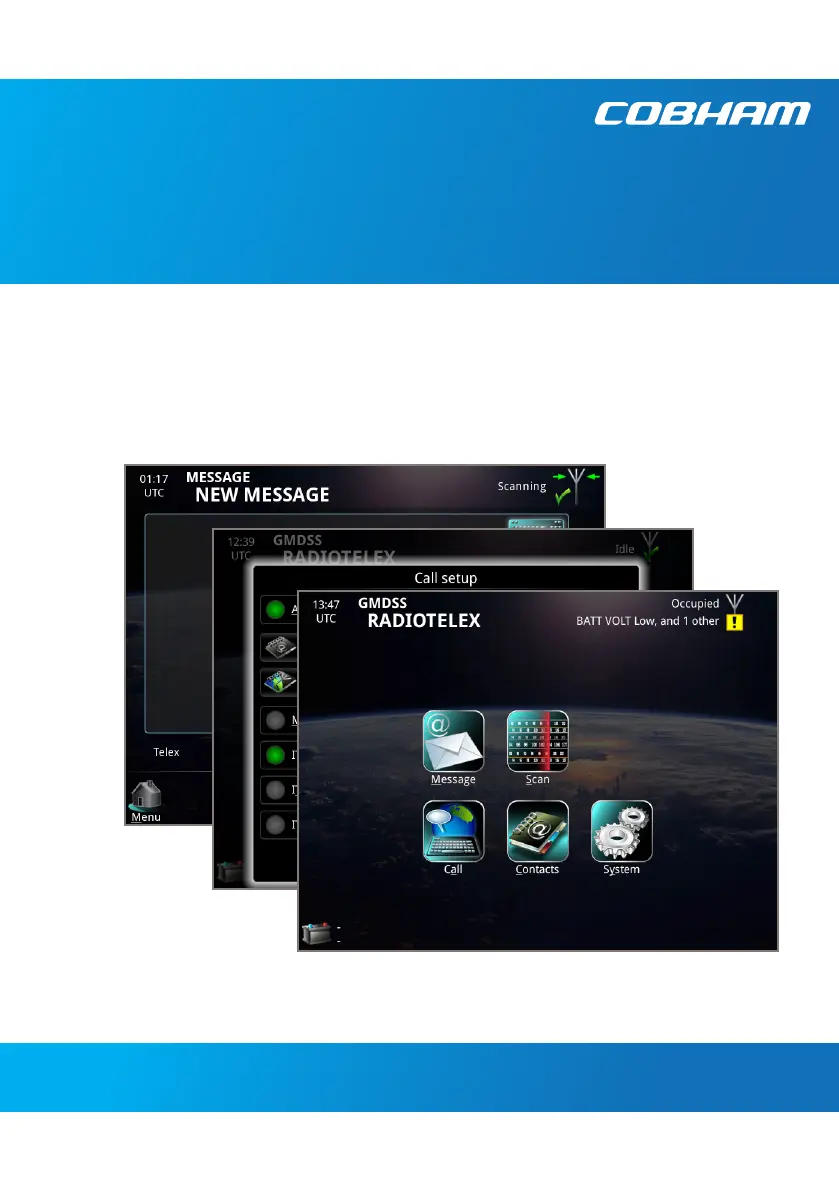
SAILOR MF/HF System 6000B
User manual
Radiotelex

Other manuals for COBHAM SAILOR 6018

Questions and Answers

  • J
    Justin MorrisAug 3, 2025
    What to do if COBHAM Marine Equipment system cannot be switched on?
    • E
      edwardcrossAug 3, 2025
      If your COBHAM Marine Equipment system isn't turning on, and the Message Terminal uses a remote on/off switch, try using that instead of the power button. Also, verify that all power cables connecting the ship's power source to the Message Terminal are properly connected and that the power source is active.
  • S
    Sarah PerkinsAug 10, 2025
    What to do if COBHAM Marine Equipment Message Terminal shows “out of paper” although there is paper in the printer?
    • M
      Marissa HodgesAug 10, 2025
      If your COBHAM Marine Equipment's Message Terminal displays an 'out of paper' message even when the printer has paper, make sure the paper is positioned correctly on the left side of the printer.
  • R
    rosaleslindaAug 15, 2025
    What to do if there is no connection between Message Terminal and MF/HF radio on COBHAM Marine Equipment?
    • T
      Timothy OlsenAug 16, 2025
      If there is no connection between the Message Terminal and the MF/HF radio of your COBHAM Marine Equipment, check these steps: 1. Ensure the CAN cables are correctly connected to both the Message Terminal and the MF/HF radio, and that they are undamaged. 2. Verify that the MF/HF radio is powered on and ready. 3. As a general step, switch off both the MF/HF radio and the Message Terminal, then switch them back on.
  • A
    alexandria52Aug 21, 2025
    Why is there no battery information in the COBHAM Marine Equipment Message Terminal?
    • M
      Monica ZamoraAug 21, 2025
      If your COBHAM Marine Equipment Message Terminal doesn't show battery information, first check the Ethernet connection from the power supply by examining the Link activity indicator at the Ethernet switch connection points. Ensure the Ethernet cables are correctly connected and undamaged. Note that battery and power information is displayed only if the power supply is a SAILOR 6081.
  • J
    jamesramirezAug 28, 2025
    How to fix no connection between Message Terminal and printer in COBHAM Marine Equipment?
    • C
      Christine LawrenceAug 28, 2025
      If there is no connection between the Message Terminal and the printer of your COBHAM Marine Equipment, check that the USB cable is correctly connected and is not damaged.

Summary

Safety Summary

Operation

Send a DSC Distress alert

Step-by-step guide for transmitting a DSC Distress alert in emergencies.

Send a Distress telex

Instructions for composing and sending a telex message as part of a distress response.

Cancel a Distress alert

Procedure to send a telex message to cancel a previously sent Distress alert.

Set up a telex call

Guide to selecting transmission modes, frequencies, and recipients for telex calls.

Make a telex call

Detailed steps for initiating, conducting, and managing a telex communication session.

Troubleshooting

Troubleshooting guide

A reference table listing common problems, their causes, and recommended solutions.

COBHAM SAILOR 6018 Specifications

General IconGeneral
Display Size10.1 inches
Resolution1280 x 800 pixels
Touch TechnologyCapacitive
Operating Temperature-15°C to +55°C
Weight1.5 kg
Ingress ProtectionIP66
Storage8 GB eMMC
ConnectivityWi-Fi, Bluetooth
InterfacesEthernet, USB, Serial
BatteryNot applicable
PortsEthernet (RJ45), USB Host, USB OTG, Serial (RS422/485)

Related product manuals