Page 14
ENGLISH
SET UP & USE
ENGLISH
DRAINING IN
DEHUMIDIFICATION MODE
• It is recommended that the
•
• Press the “MODE” button until the
LOW: For quiet operation.
•
•
•
•
COOL MODE
Ideal for hot weather when
you need to cool the room.
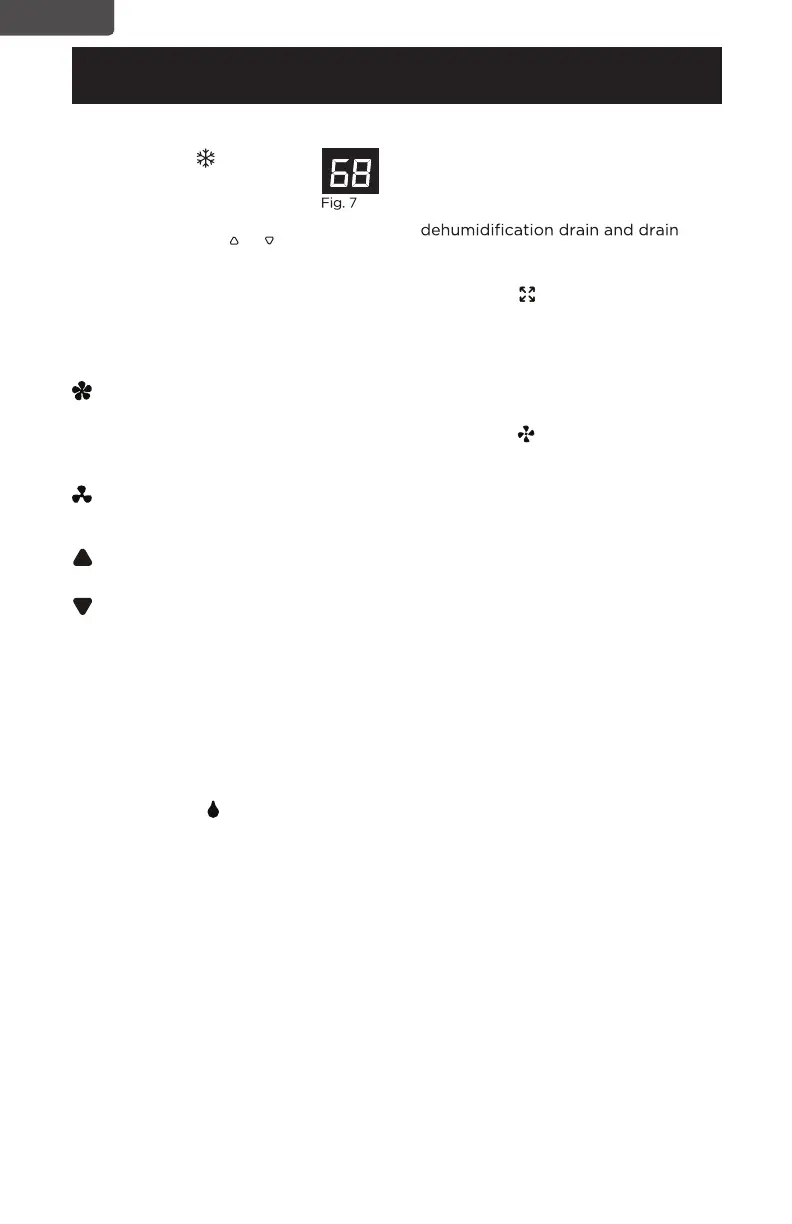
To set operation of the appliance
correctly, press the or buttons until
the desired temperature is displayed.
(See Fig. 7)
Then select the fan speed by pressing
the Fan Speed Button until the light
corresponding to the required fan
speed lights up:
hose can be used for continuous
drainage.
FULL TANK
- When the water
level reaches a predetermined level,
the “full tank” indicator light goes on.
The unit will have to be drained.
NOTE: Refer to Water Drainage
section.(page 21)
FAN MODE
“FAN” indicator light comes on.
Press the speed button to select
HIGH, LOW fan speed. The
temperature cannot be adjusted.
Exhaust hose attachment is not
required in this mode.
INCREASE: Increase the
temperature setting.
DECREASE: Decrease the
temperature setting.
DEHUMIDIFY
Press the “MODE” button until the
“DEHUMIDIFY” indicator light comes
on.
• Under this mode, you cannot select a
fan speed or adjust the temperature.
The fan motor operates at LOW
speed.
Keep window and door closed for
the best dehumidifying effect.
Exhaust hose attachment is not
required to reduce humidity,
however it is recommended in very
humid rooms so the warm air can be
exhausted outside.
HIGH: The Fan operates at
maximum to reach the
required temperature as
rapidly as possible.
When the appliance is powered on,
Press together the INCREASE and
DECREASE Buttons on the control
panel, then you can select the unit
of temperature from Fahrenheit or
Celsius.


 To Next Page