EN 4
Left earbud: slowly ashing blue
Right earbud: alternately ashing
red and blue
Connected tone notication
When True Wireless
Stereo connection is
successful (the right
earbud is connected
to the left earbud).
After a successful True Wireless stereo connection, your
CETW571 will automatically enter Bluetooth pairing mode with
your media device.
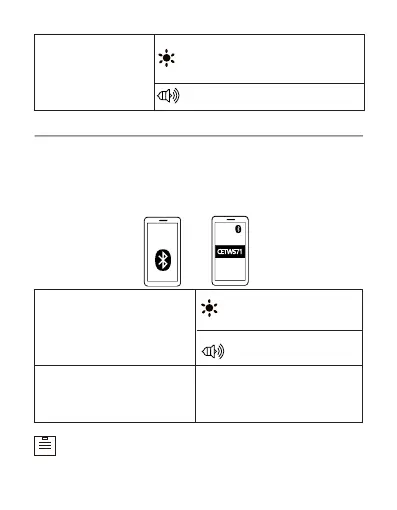
Turn on Bluetooth in your device’s settings and search for
“CETW571”, then tap “CETW571” to connect.
2. Bluetooth connection with your device
Slowly ashing blue (both
earbuds)
The earbuds will automatically be paired with your last
sucessfully connected media device next time they are
turned on.
Connected to a device
(Successfully paired with
your media device).
Not connected to any
device
Both earbuds will auto-
matically shut down after 3
minutes
Connected tone noti-
cation



 To Next Page