Installing the COBY Smart App
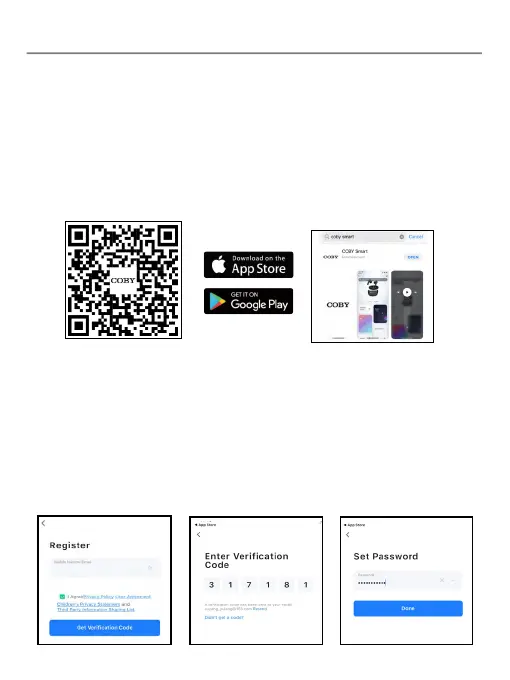
To download COBY Smart app on your phone (running iOS® 11 or higher,
Android™ 5 or higher), scan the QR code shown below by using your
phone camera and tapping the pop-up link, or search for "COBY Smart" in
Google Play Store (for Android users) or Apple App Store (for iOS users).
Next, follow the onscreen instructions to install the COBY Smart App.
1. Launch the COBY Smart App on your phone, tap “Agree” and tap
“Sign Up” to create a new account. Enter your mobile phone number or
email address to receive a verication code.
2. Enter the verication code sent to your email address or phone
number, set the password for the new account, and tap “Done”, then the
account setup is complete.
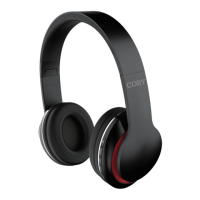
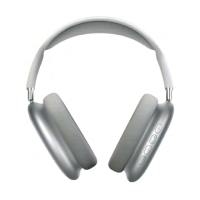
The CHBT84FD headphones supports full integration with COBY Smart
App, allowing you to get more controls for the headphones.
Setting up account
Follow these steps to set up a new account:
John_2022@fescony.com
• App Control
EN 4


 To Next Page