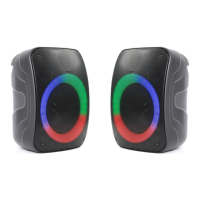
light on both speakers to indicate that they
have successfully paired with each other. In
some instances, the speakers may take up to
15 seconds to connect.
In the event the speakers do not pair with
each other, or you would like to disconnect the
speakers from each other and use them
individually, press True Wireless Pairing button
on either speaker. To reconnect simply
press the True Wireless Pairing button
on the primary speaker.
Once the speakers are connected to each
other connect your Bluetooth
®
device as
instructed in Connecting Via Bluetooth
®
section
on page 6.
Connecting Via Bluetooth
®
Open the Bluetooth
®
settings on a Bluetooth
®
enabled device (phone, tablet, laptop, etc.)
Turn on the devices Bluetooth
®
functionality
and select CPA640 when it appears. You will
hear an indication tone to alert you that the
device has connected successfully.
Note: The speaker that’s connected to the Bluetooth
®
enabled
device will become the primary speaker. If the user turns off the
primary speaker, both speakers will turn off.
True Wireless Pairing only works in Bluetooth


 To Next Page