Music Controls
After you connect your device to the CPA640
music will be playable through your app of
choice.
To pause or resume your music in Bluetooth
®
mode, USB Input mode, and Memory Card
Input mode press the Play/Pause button.
Adjust the volume by pressing and holding the
Previous Track/Decrease Volume or Next
Track/Increase Volume buttons. As you adjust
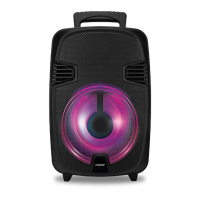
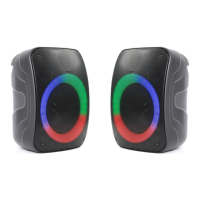
the volume you will see the circular LED light
display grow or shrink accordingly.
Light Modes
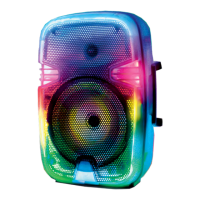
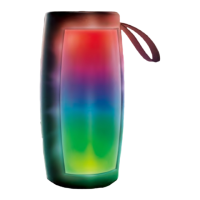
The CPA640 has 3 beautiful light modes with
10 distinct colors in each. Press the Light Mode
button to cycle between each beautiful mode
and select the one that suits your occasion
best. The lights can also be turned off by
cycling to the 4
th
option.
Radio
To begin scanning FM radio stations press the
Play/Pause button this process may take a few
minutes so please be patient. Once all the
Note: On some devices you may need to scan for devices or search
for devices, please reference your devices user manual on
connecting Bluetooth
®
devices if you are unsuccessful


 To Next Page