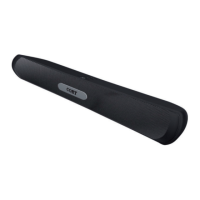
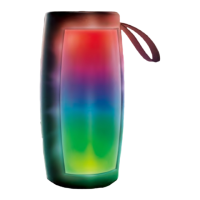
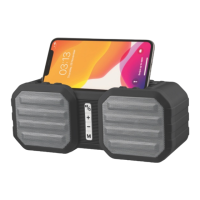
For Music Playback
Play / Pause Press the button once
Next track
Press the
button once
Previous track Press the button once
Volume up Turn the Power/Volume knob towards the “+” position
Volume down Turn the Power/Volume knob towards the “-” position
Play/Pause
Press the
button once
Next radio station
Press the
button once
Previous radio station
Press the button once
Volume up Turn the Power/Volume knob towards the “+” position
Volume down Turn the Power/Volume knob towards the “-” position
Note: When you receive or make a call on your phone, the music that is
playing will automatically pause, and the person’s voice on the other end of
the line can only be heard through your phone. When you end the call, the
music will resume.
Playing from external device
USB/TF card/AUX mode
Under any mode, insert a TF card /USB disk into the TF card slot/USB port of
your speaker, or connect the AUX cable(not included) to the AUX In port of the
speaker and to the Audio Out of your media device (such as your phone). It will
immediately play the music files in the TF card, USB disk, or Audio Out device.
The music playback controls are the same as the Bluetooth mode.
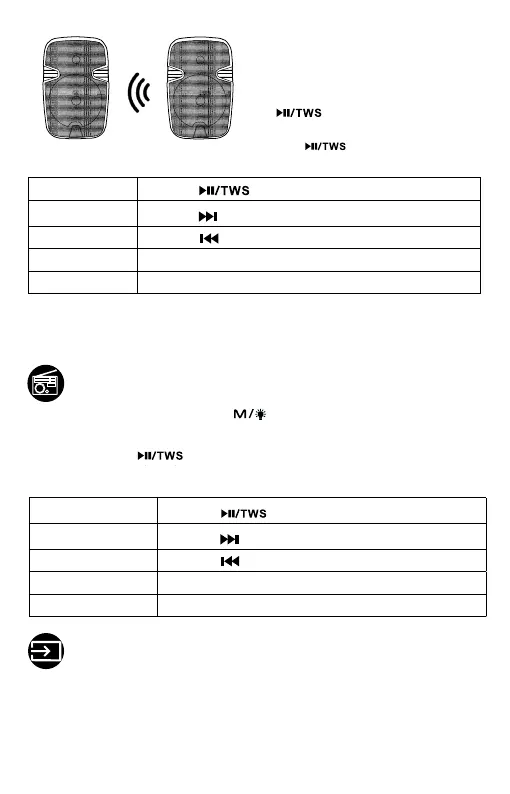
NOTES:
· Both speakers will reconnect automat-
ically the next time they are both on, in
range and pairing mode.
· To unpair speakers, press and hold
the button for 5 seconds on
either speaker; To pair again, press and
hold the button again.
Repeatedly press the Mode button to switch to the FM Radio mode.
Insert the included Micro USB charging cable into the charging port as an
antenna to adjust for better signals.
Press and hold the button to automatically search for the radio
stations, then all available radio stations will be stored by the preset channel
number in order, and the first preset radio station will broadcast automatically.
FM Radio mode
EN 03


 To Next Page