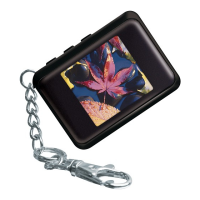
DP-152 | Digital Photo Viewer
Quick Start Guide
1) Attach the lanyard/buckle to the DP-152.
2) Transfer your photos onto the DP-152.
3) View your photos on the DP-152.
Step 1: Attach the Lanyard/Buckle
Pass the lanyard loop through the ring in
the direction of the arrow as shown.
1) Pass the buckle through the lanyard loop
in the direction of the arrow as shown.
2) Continue pulling the buckle through the lan-
yard loop to nish attaching it to the unit.
3)
Getting Started
The included buckle is not designed for climbing, but may be used
to attach the DP-152 to a belt, backpack, vest, or other item.


 To Next Page