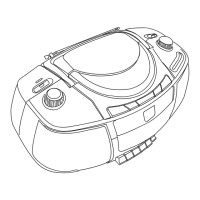
M-Port (AUX Input) (optional)
The M-Port allows for quick and easy connection of an
iPod® (or other MP3 player or external sound sources).
Using the supplied AUX cable, your HD radio can be trans-
formed into a high quality digital audio speaker system.
Connect one end of the AUX cable to the head-
phone (or line out) socket of your source device, and
then connect the other end to the AUX Port on the
lower left-hand corner of your HD radio.
The LCD screen will now display the words “M-Port
Active”.
Adjust the output volume level on both the source
device and on your HD radio itself to gain optimal
volume level.
1.
2.
3.
Getting Started



 To Next Page