Page 22 Coby Electronics Corporation
Viewing Station Information
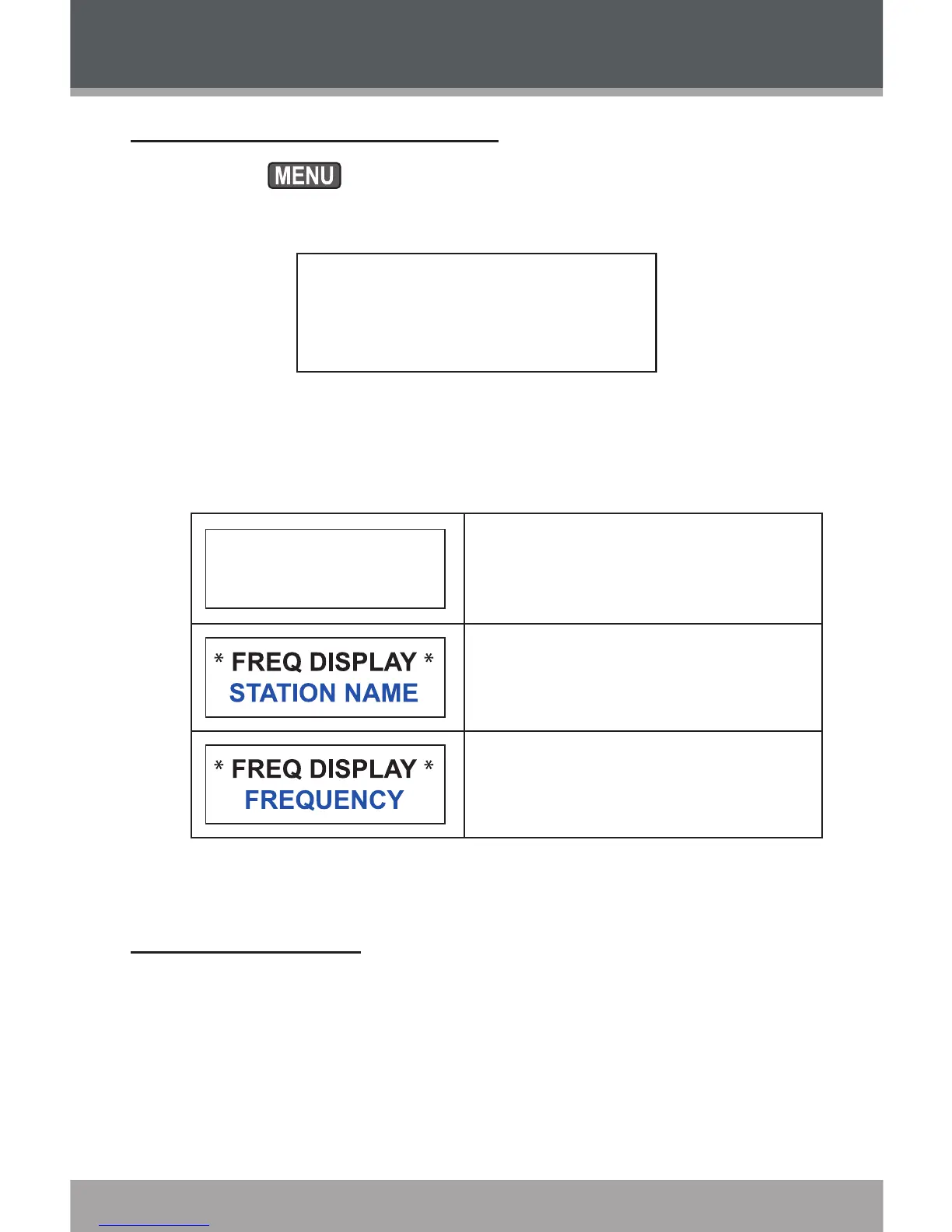
Press and then turn the tuning dial to select
“FREQ DISPLAY”. Press the tuning dial to conrm.
*** MENU ***
FREQ DISPLAY
Turn the dial to cycle through the “TOGGLE”, “ STA-
TION NAME” and “FREQUENCY” options.
Set the display to alternate
between the current station
name and frequency .
Display the current station
name.
Display the current station
frequency.
Resetting the Unit
If the unit should freeze or otherwise behave abnormally,
use a paperclip to press the Reset button located on the
rear panel.
1.
2.
HDR-700 Options



 To Next Page