Page 31 Managing Applications
English
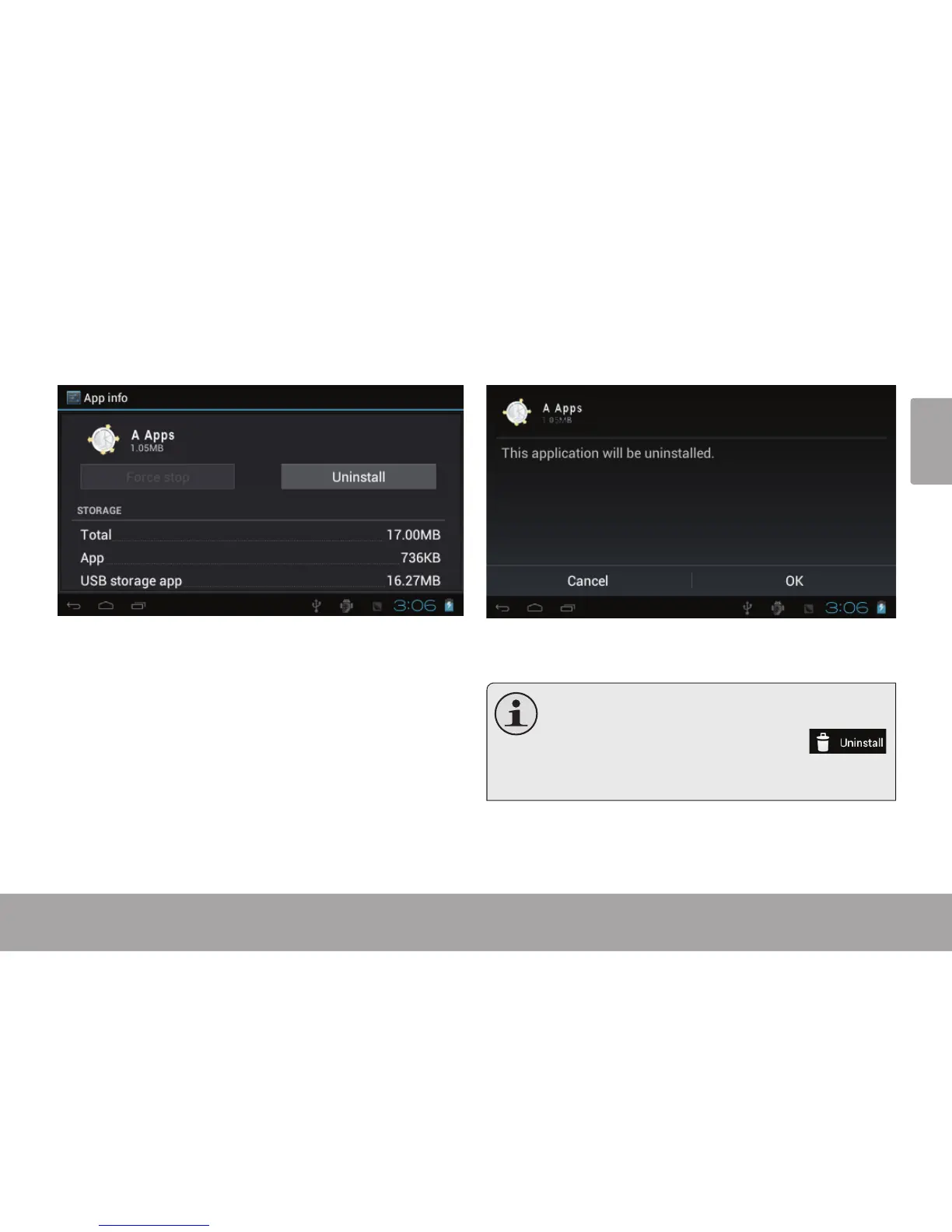
4. Touch the name of the application you want to
uninstall; the Application Info screen will open.
5. Touch Uninstall. The tablet will prompt you to
conrm.
6. Touch OK to uninstall the application.
Or you can uninstall an application from the
Launcher screen directly. Touch and hold an ap-
plication icon until the Uninstall icon
appears, drag the application icon to the Unin-
stall icon to uninstall the application.



 To Next Page