Page 22 Connecting To The Internet
English
Connect to a Wi-Fi network
The Notication bar displays icons that indicate your
tablet’s Wi-Fi status.
Connected to a Wi-Fi network (waves
indicate connection strength).
[no icon]
There are no Wi-Fi networks in range, or
the Wi-Fi radio is off.
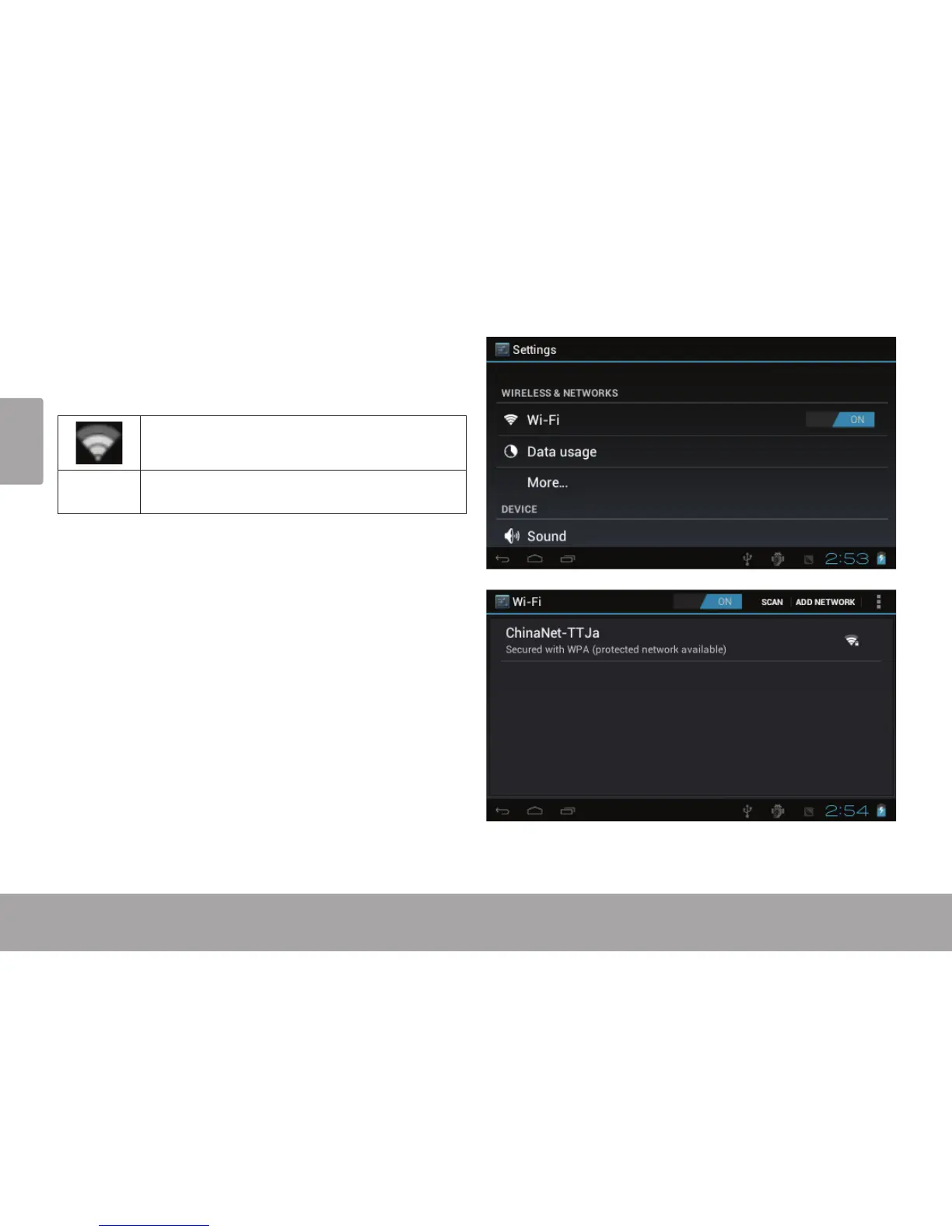
1. Turn on the Wi-Fi radio if it is not already on. To
turn on Wi-Fi:
a. Go to the Home screen:
Touch the Home icon.
b. Open the Launcher screen:
Touch the Launcher Tab, then touch Settings.
c. Open the Wireless & networks menu:
Touch WIRELESS & NETWORKS.
d. Open the Wi-Fi settings menu:
Touch WiFi.
e. Make sure that the Wi-Fi option box is setted to
ON: Touch and slide the block right to enable
the Wi-Fi connection.



 To Next Page