Page 23 Connecting To The Internet
English
When Wi-Fi is on, the tablet will look for and display a list
of available Wi-Fi networks.
If a network that you have connected to previ-
ously is found, the tablet will connect to it.
If you don’t see your network in the list, you
can force the tablet to re-scan. To scan for net-
works, tap the SCAN icon that located on the
top right corner of the screen.
2. Select an available Wi-Fi network to connect to:
In the same Wi-Fi settings menu above, touch a network
in the list.
If the network is open, the tablet will prompt you to
conrm connection to the network. Touch Connect to
conrm.
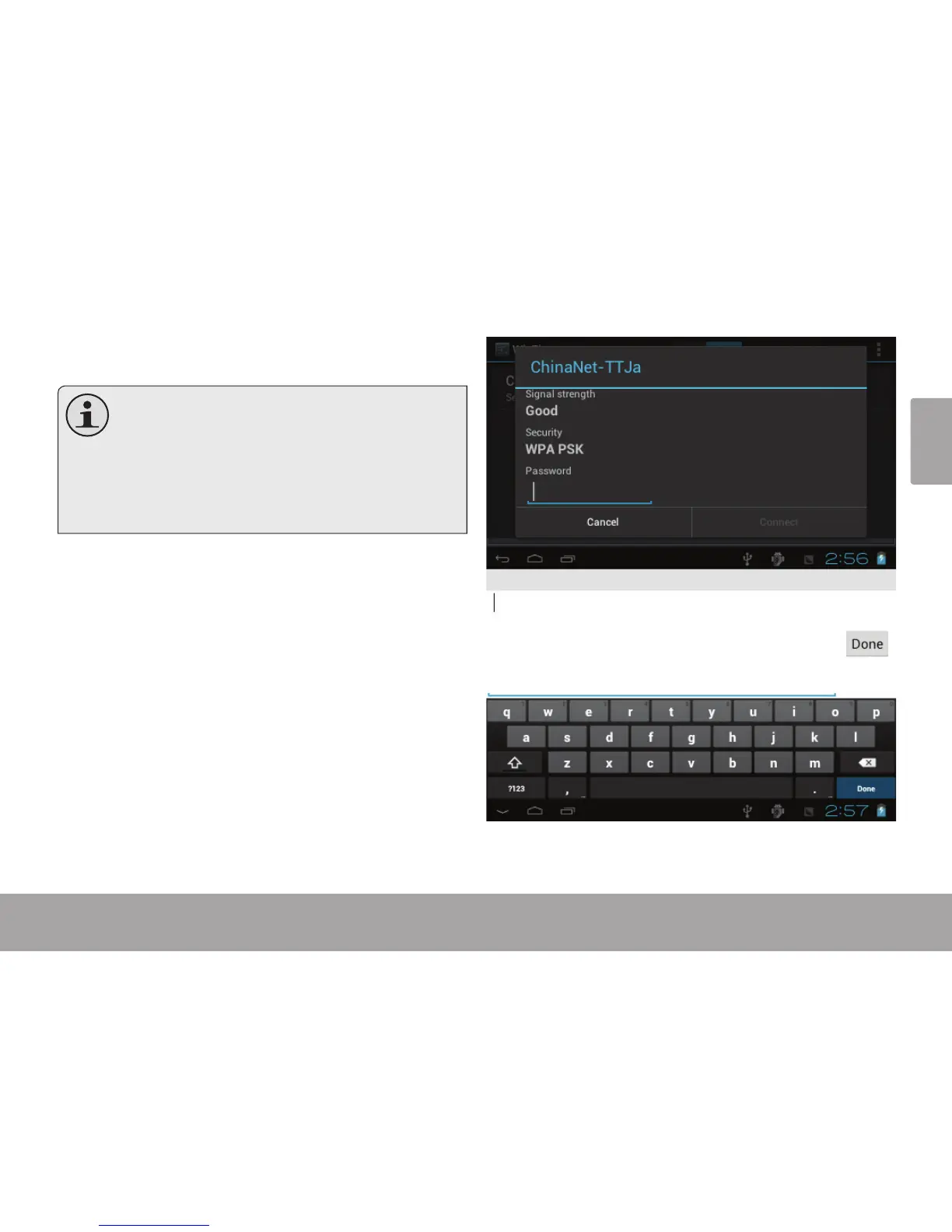
If the network is secured (as indicated by a Lock icon),
the tablet will prompt you to enter a password or other
credentials. Touch the Wireless password box to show
the on-screen keyboard and then use it to enter the
password. Touch Connect to conrm.



 To Next Page