Page 24 Connecting To The Internet
English
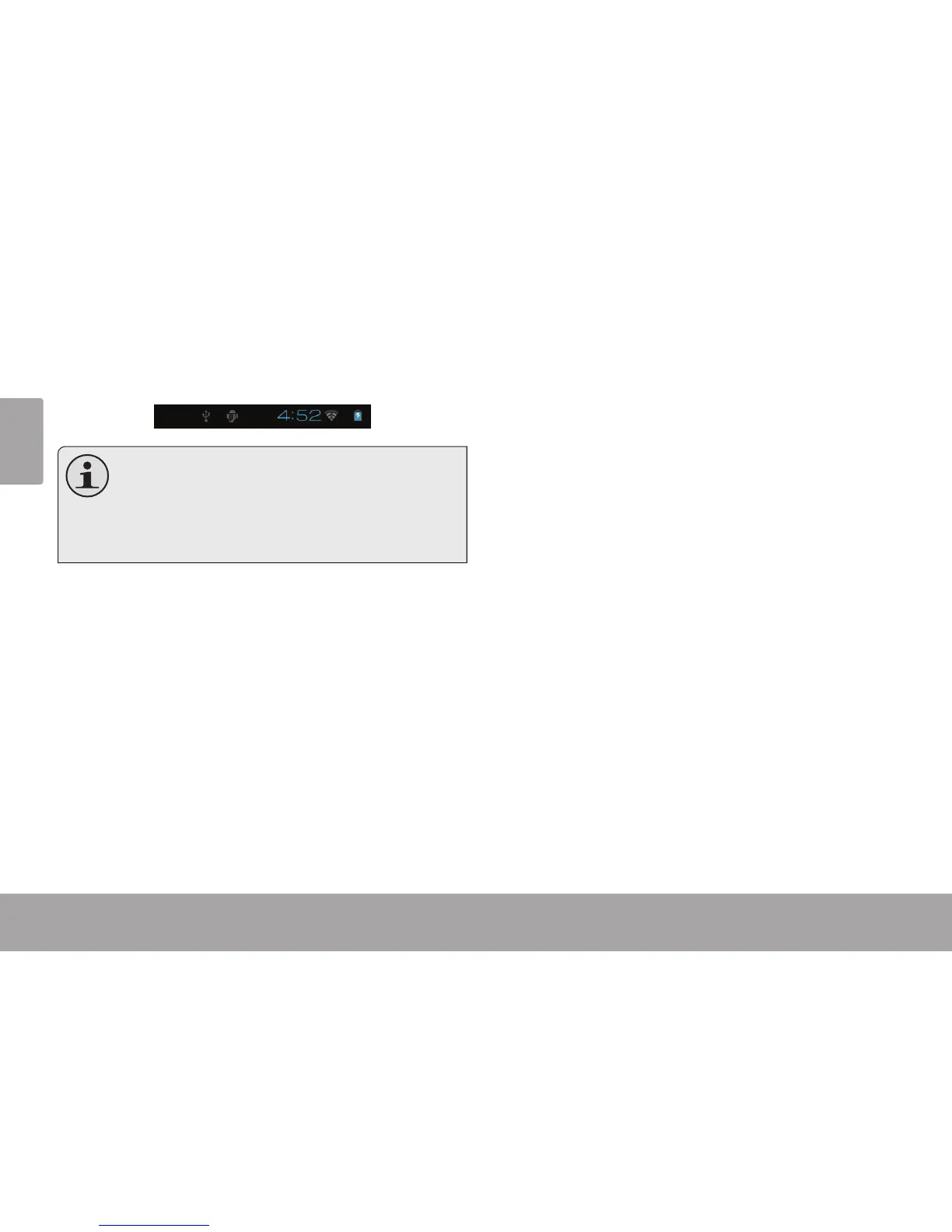
When you have successfully connected to a Wi-Fi
network, the Notications bar at the bottom of the screen
will show a Wi-Fi signal indicator.
To learn about how to add a Wi-Fi network when
it is not in range or when the router is set to ob-
scure the network name (SSID); or to congure
advanced Wi-Fi options, please refer to the man-
ual.



 To Next Page