Page 34 Setting The System Options
English
 Setting the System Options
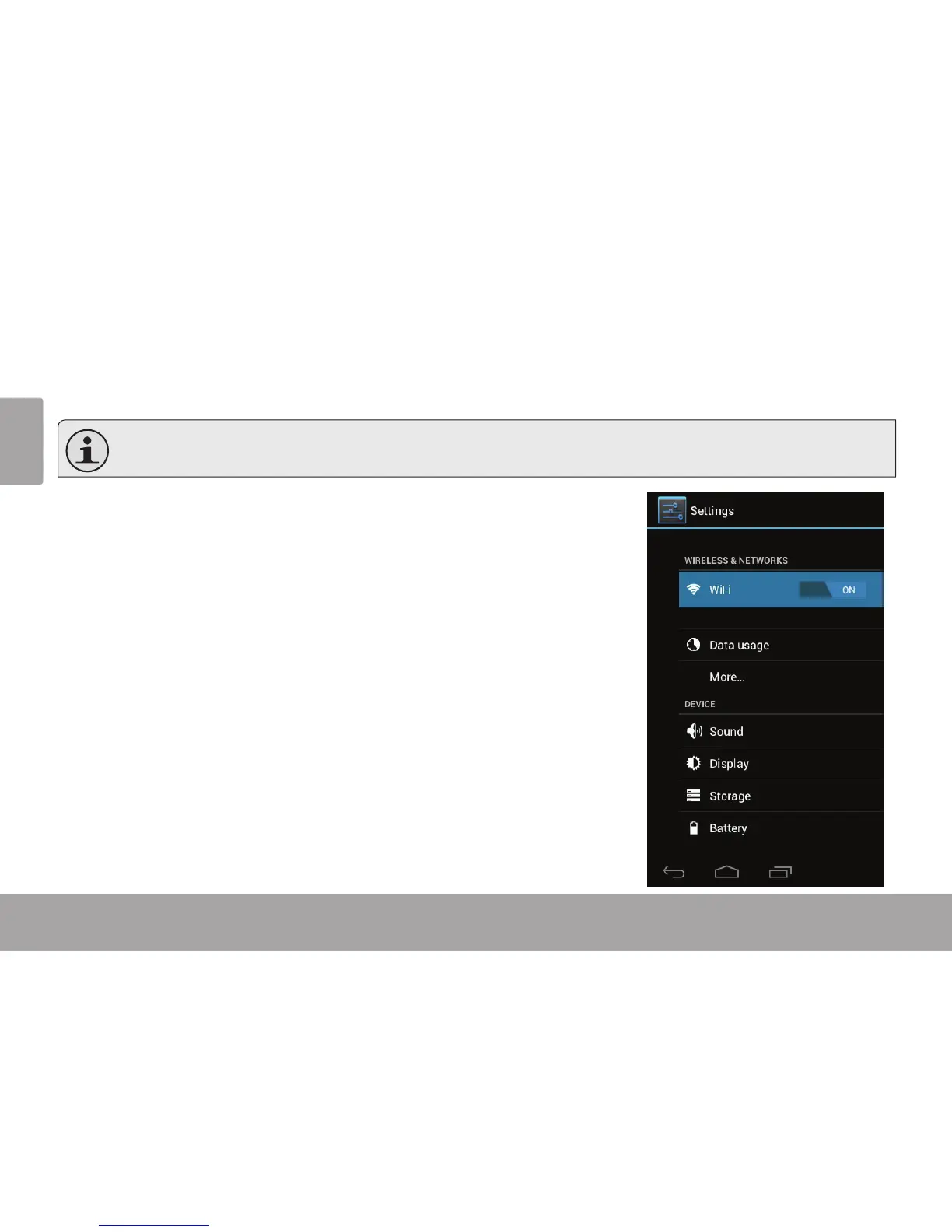
Open the system settings menu to adjust how the tablet looks and functions.
Many applications will have their own settings; refer to the documentation provided by the application developer
to learn more.
To open the Settings menu:
1. From the Home screen, touch the Launcher Tab.
2. Touch Settings to open the Settings menu.
The settings are grouped by category. Touch a category to open and adjust its
settings on the right side.



 To Next Page