Page 32 Optional Connections
English
Connect a pair of headphones (or earphones) to the
tablet to enjoy media in private.
Lower the volume level of the tablet before connecting
headphones, and then slowly raise the volume to a
comfortable listening level.
The headphones must have a 3.5 mm (1/8 in) plug.
When headphones are connected, speaker output
will be disabled automatically.
Hearing experts advise against the constant
useofpersonalstereosplayedathighvolume.
Constantexposuretohighvolumescanleadto
hearingloss.Ifyoushouldexperienceringing
intheearsorhearingloss,discontinueuseand
seekmedicaladvice.
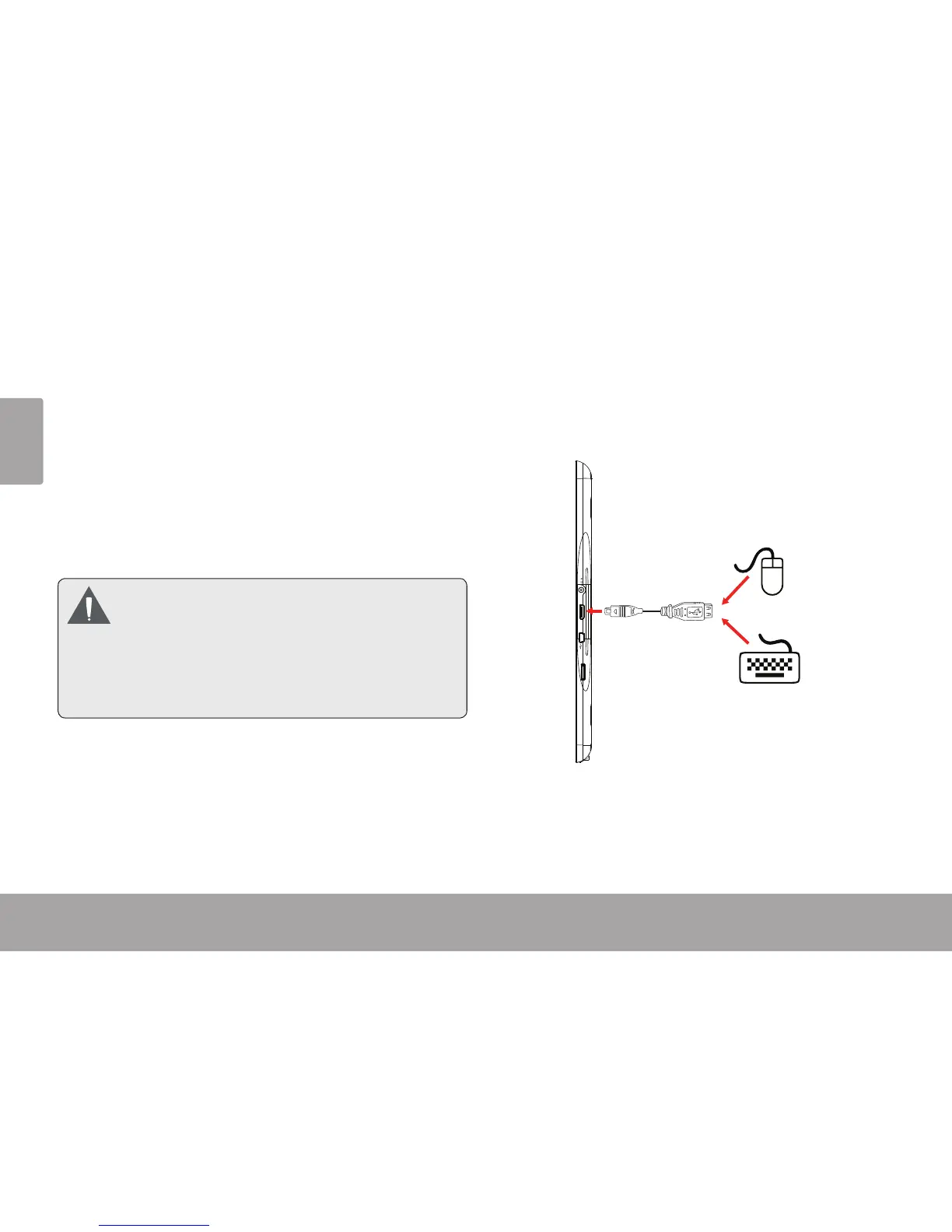
The USB full-size adapter can be used to connect and
use USB devices with the tablet. The adapter converts
the mini USB port on the tablet into a USB On-the-Go
(OTG) connector.
MEMORY CARD
HDMI
DC IN 5V
Connecting a Keyboard
For times when you want to type for an extended period
of time, you may want to connect a full-size keyboard to
the tablet.



 To Next Page