Page 34 Setting The System Options
English
Â
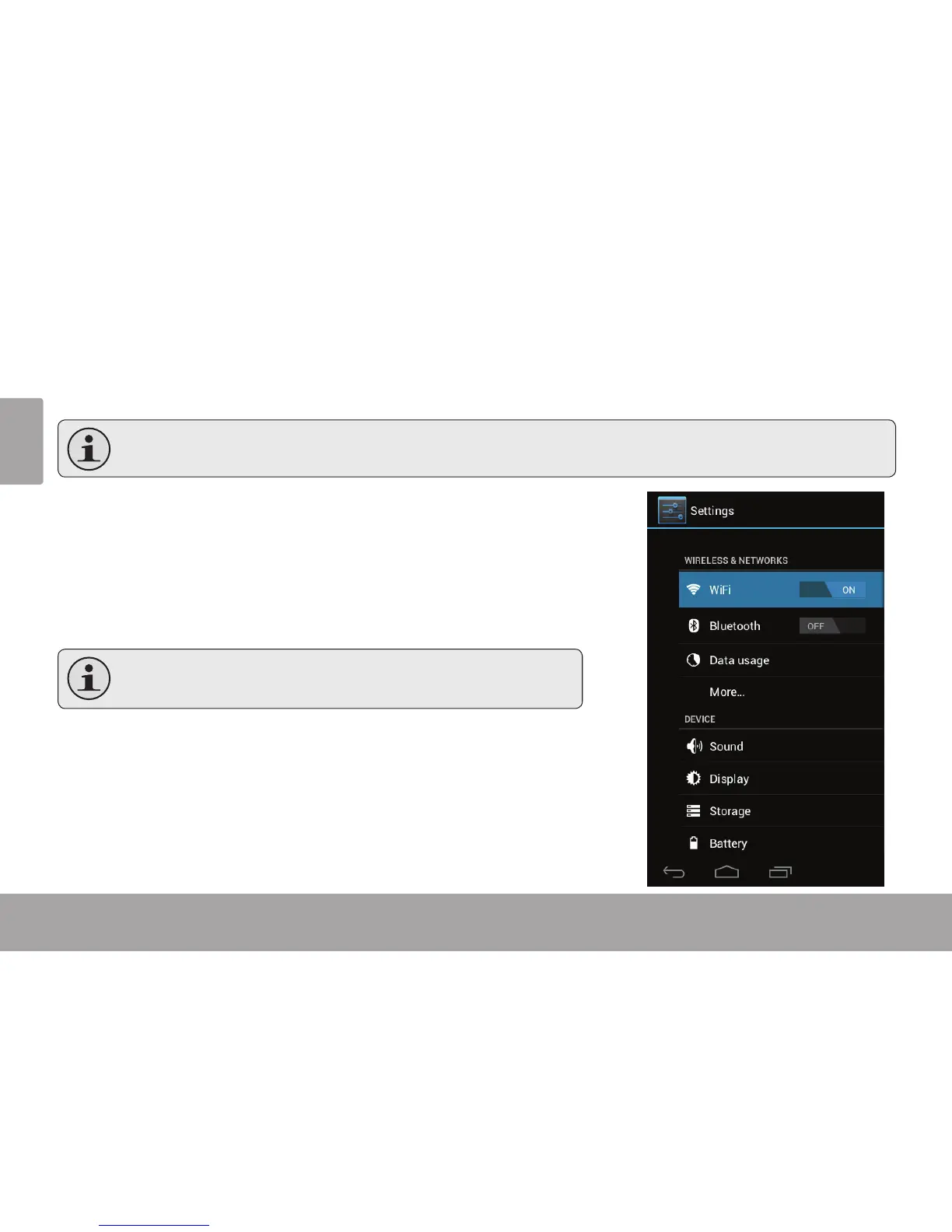
Open the system settings menu to adjust how the tablet looks and functions.
Manyapplicationswillhavetheirownsettings;refertothedocumentationprovidedbytheapplicationdeveloper
tolearnmore.
To open the Settings menu:
1. From the Home screen, touch the Launcher Tab.
2. Touch Settings to open the Settings menu.
The settings are grouped by category. Touch a category to open and adjust its
settings on the right side.
Pleaserefertothemanualforadescriptionoftheitemsinthe
Settingsmenu.



 To Next Page