www.cobyusa.com Page 21
English
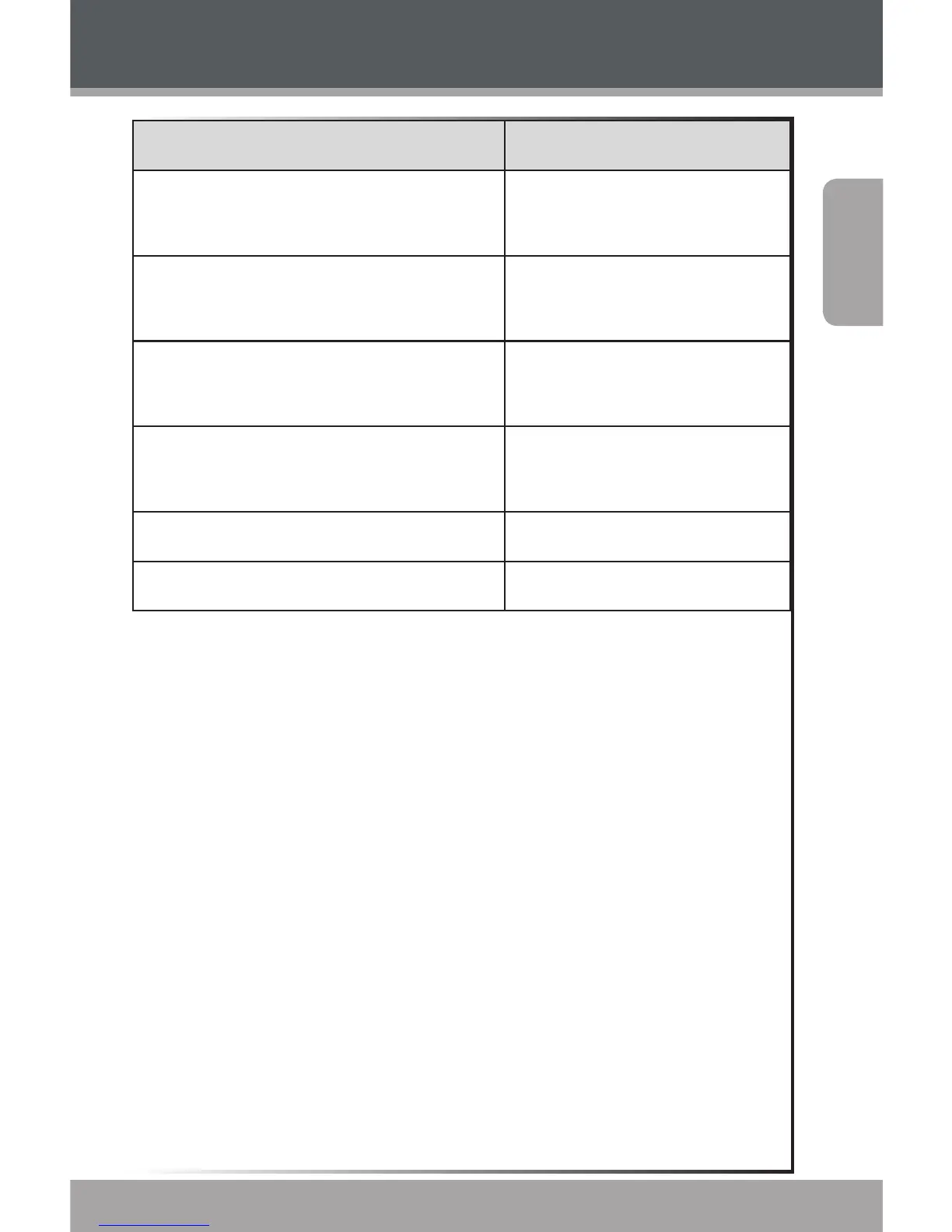
Function Key Action
To scan to the next highest station
(normal mode only)
Hold <RIGHT>
To scan to the next lowest station
(normal mode only)
Hold <LEFT>
To save the current station as a
preset station (normal mode)
Press <MENU>, then
<ENTER>
To delete the current preset station
(preset mode)
Press <MENU> , then
<ENTER>
To adjust the volume level Press <UP> or <DOWN>
To return to the Main menu Hold <MENU>
Radio Mode



 To Next Page