www.cobyusa.com Page 27
English
Transferring Files to the Player
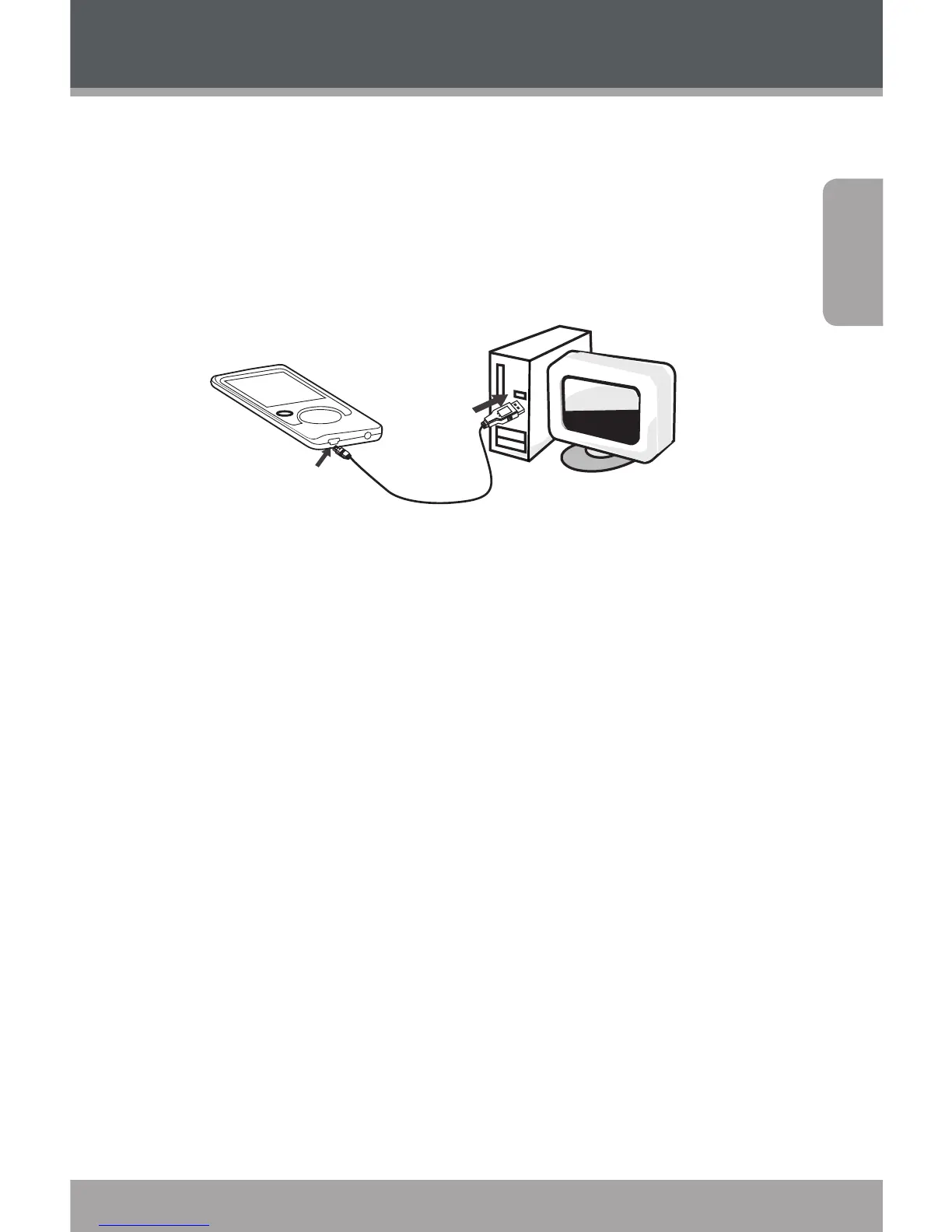
Connect the player to a computer with the USB . cable
provided to:
Transfer les to and from your player
Perform basic le management functions.
USB Port
USB Port
Computer
Upon connection:
Your computer will automatically recognize the
player as a Removable Disk.
To open the player to view les, double-click the icon
that appears.
Once you have opened the player’s folder, simply drag and
drop les to the player as you would a oppy disk.
Copy music les to the root directory.
Copy movie les to the “MOVIE.DIR” folder
Copy photo les to the “PHOTO.DIR” folder
Copy text les to the “TEXT.DIR” folder.



 To Next Page