Page 4 Unit At A Glance
English
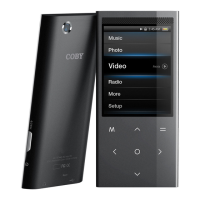
Name Description
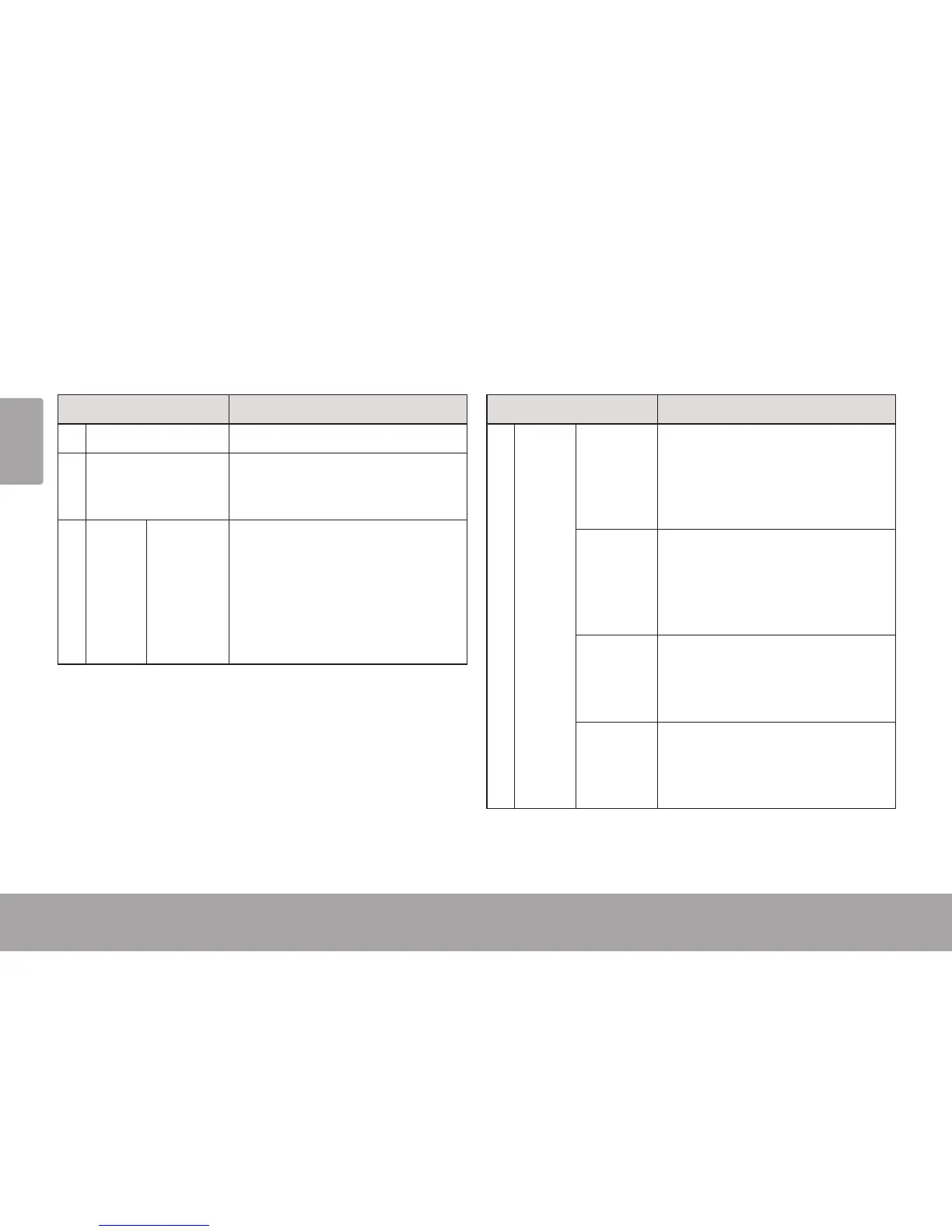
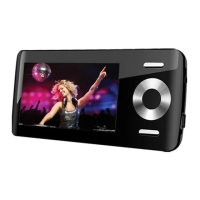
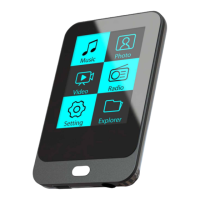
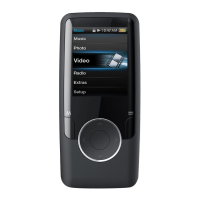
1 LCD screen Color display screen.
2 Speakers [MP767 and
MP768 only]
Speaker output is automatically
disabled when headphones are con-
nected to the player.
3 Cancel/
Menu
Key
<M> Press to return to the previous screen.
Press and hold to access the Main
menu.
When the player is connected to a
computer, press to cancel the USB
data connection and switch to USB
power mode.
Name Description
4 Control
Key
<UP> Browse items in a list.
During music playback: increase the
volume level.
During video playback: skip to the
previous track.
<DOWN> Browse items in a list.
During music playback: decrease the
volume level.
During video playback: skip to the
next track.
<L EF T> During music playback: skip to the
previous track.
During video playback: decrease the
volume level.
<RIGHT> During music playback: skip to the
next track.
During video playback: increase the
volume level.
Unit at a Glance Â


 To Next Page