Page 6 Unit At A Glance
English
Name Description
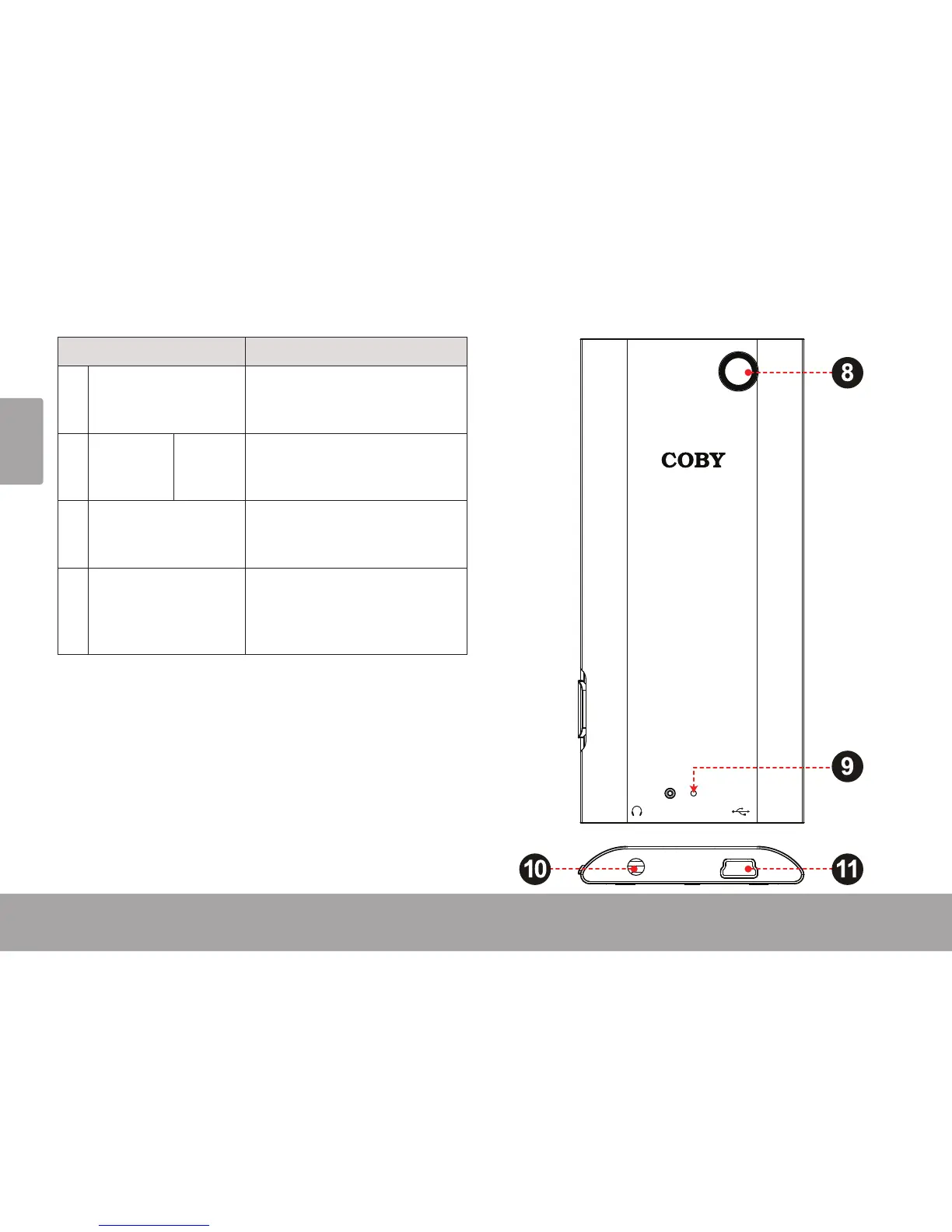
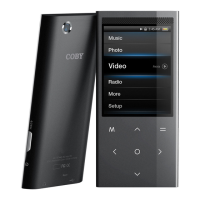
8 Camera Lens
[MP768 only]
Shoot videos and photos.
9 Reset Key <RESET> Use a paperclip to press this button
to reinitialize the player if it should
freeze or behave abnormally.
10 Headphone Jack Connect a pair of headphones or
earphones with a 3.5mm plug for
private listening.
11 USB Port Connect to a computer to transfer
media les to the player.
Connect to a computer to charge
the player.


 To Next Page