English
Using The Camera Page 9Using The Camera Page 9
English
Using the Camera Â
Turning the Camera On/O
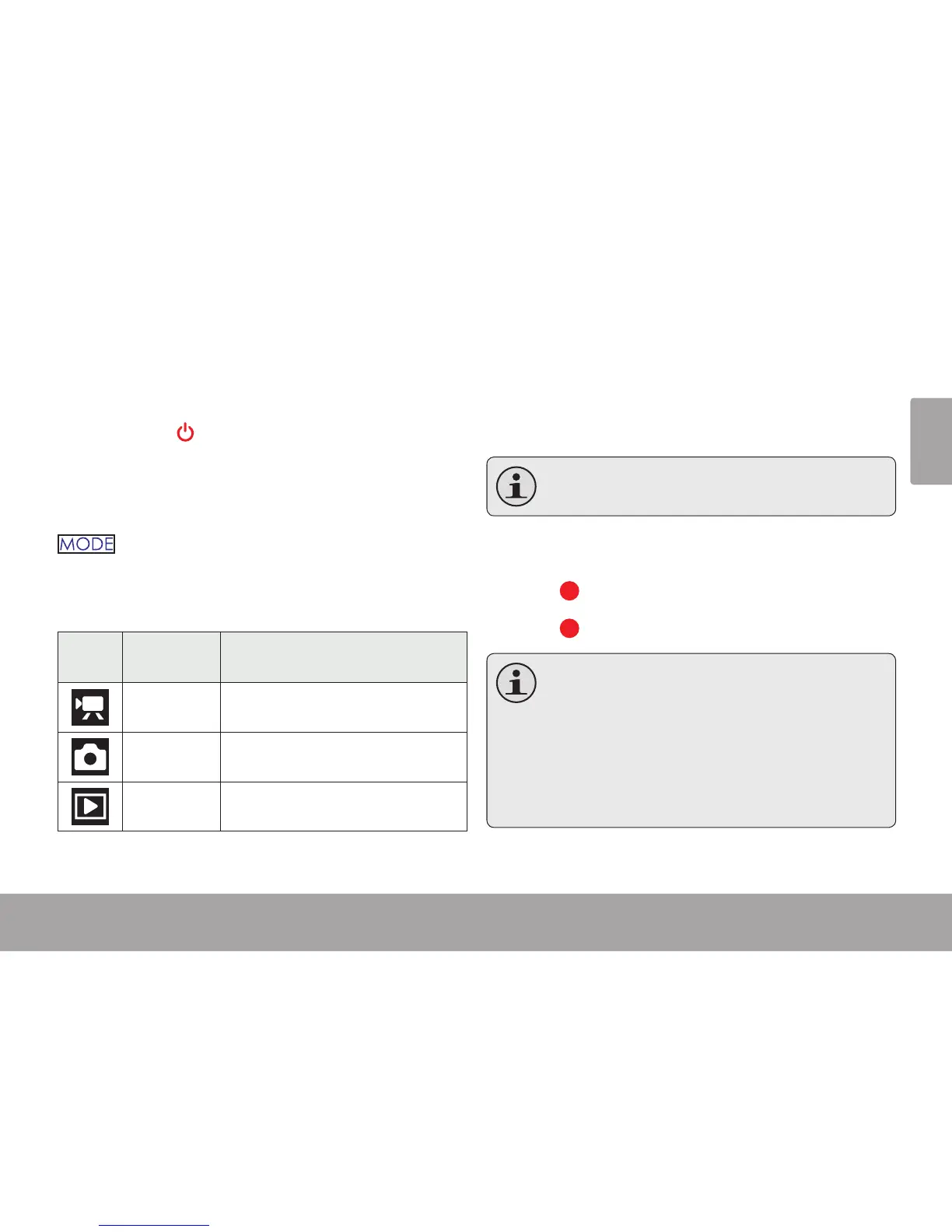
Press and hold to turn the camera on or o.
Changing Camera Modes
Your video camera includes three modes. Press
to toggle between them.
The mode icon displayed on the upper left corner
of the screen indicates the current camera mode.
Icon
Camera
Mode
Function
Video Record videos.
Photo Capture still photos.
Playback Review video and photo les.
Video Mode
Place the camera in Video mode to record videos.
When you turn on your camera, it will enter
Video Mode automatically.
To Record Video
Press to begin recording.
Press to stop recording.
During recording, the elapsed recording time
is displayed on the upper right corner of the
screen. When the camera is in video mode
and not recording, the estimated available
recording time is displayed instead.
Recording will stop automatically when the
memory card is full.


 To Next Page