EasyManua.ls Logo

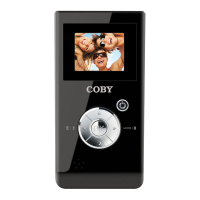
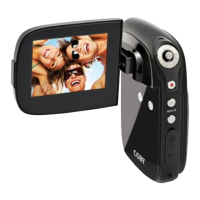
Coby SNAPP CAM4000 - User Manual

Coby SNAPP CAM4000
120 pages
Print Icon
To Next Page IconTo Next Page
Loading...
EN
Instruction Manual ........................................................Page 2
ES
Manual de la instrucción ..............................................Page 38
FR
Manuel d’instruction ...................................................Page 78
Please read carefully before use • Léa el manual antes de usar • Veuillez lire ce livret avant
utilisation
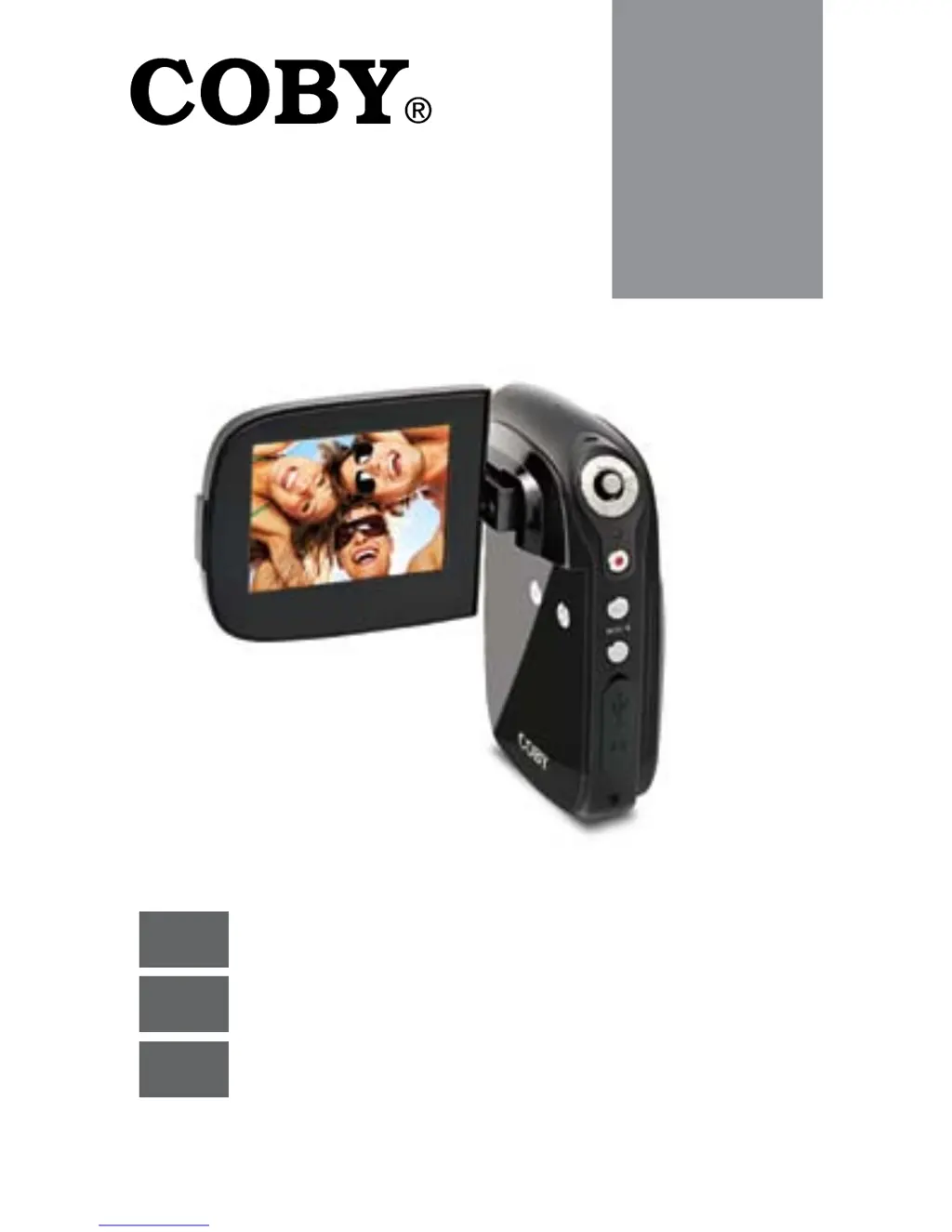
CAM4000
Mini Digital Camcorder
Mini Videocámara Digital
Mini Caméscope Numérique

Table of Contents

Other manuals for Coby SNAPP CAM4000

Questions and Answers

  • J
    James JacksonJul 26, 2025
    What to do if Coby SNAPP CAM4000 Camcorder does not take pictures/video?
    • C
      christinalopezJul 26, 2025
      If your Coby Camcorder is not taking pictures or video, the memory or memory card may be full. Try deleting some files. Also, ensure that the memory card you are using is compatible with the camcorder. If the memory card has not been formatted, use the camera’s Format function to clear data from the memory card.
  • C
    Catherine LoweAug 5, 2025
    Why my Coby SNAPP CAM4000 Camcorder does not power on?
    • J
      Jennifer FreemanAug 5, 2025
      If your Coby Camcorder camera does not power on, first check that the batteries have been inserted correctly. Also, check that the batteries have adequate charge, and replace them if they are old or do not have adequate charge.
  • A
    Antonio HernandezAug 14, 2025
    Why memory card images are not displayed on the LCD screen of my Coby SNAPP CAM4000 Camcorder?
    • D
      Donna HuangAug 14, 2025
      The Coby Camcorder will only display JPG images that have filenames in the format: SUNP####.jpg. If you have inserted a memory card containing images in another format or filename structure, they will not display. Check the format of the images on your memory card.

Summary

Getting Started

Installing the Batteries

Step-by-step instructions for inserting batteries into the camcorder.

Inserting a Memory Card

Instructions on how to insert and remove SD/SDHC memory cards.

Basic Operation

Video Mode

Describes how to record video clips, including start, pause, and stop functions.

Photo Mode

Details how to take still images using the camcorder.

Playback

Menu Options

Setup Menu

Configures device-wide settings such as sounds, power, language, and USB modes.

Managing Files

Transferring Files to a Computer

Guides on connecting the camera to a computer via USB to transfer files.

Safety Notices

General Safety Warnings

Provides essential safety precautions and warnings for operating the device.

Important Safety Instructions

Lists fundamental safety and operating instructions to be followed by the user.

Troubleshooting

Power and Recording Issues

Solutions for power-on failures and problems with taking pictures or videos.

Image and Access Issues

Addresses blurry images, display problems, saving errors, and computer access difficulties.

Specifications

Coby SNAPP CAM4000 Specifications

General IconGeneral
BrandCoby
ModelSNAPP CAM4000
CategoryCamcorder
LanguageEnglish

Related product manuals