Page 10 Coby Electronics Corporation
English
Basic Operation
Turning the Digital Video Camera On/O
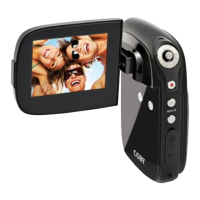
Your digital video camera will turn on automatically when
the LCD screen is ipped open, and turn o when the screen
is closed.
When the LCD screen is open, you may also turn the camera
O/On by pressing the <POWER> button.
Camera Modes
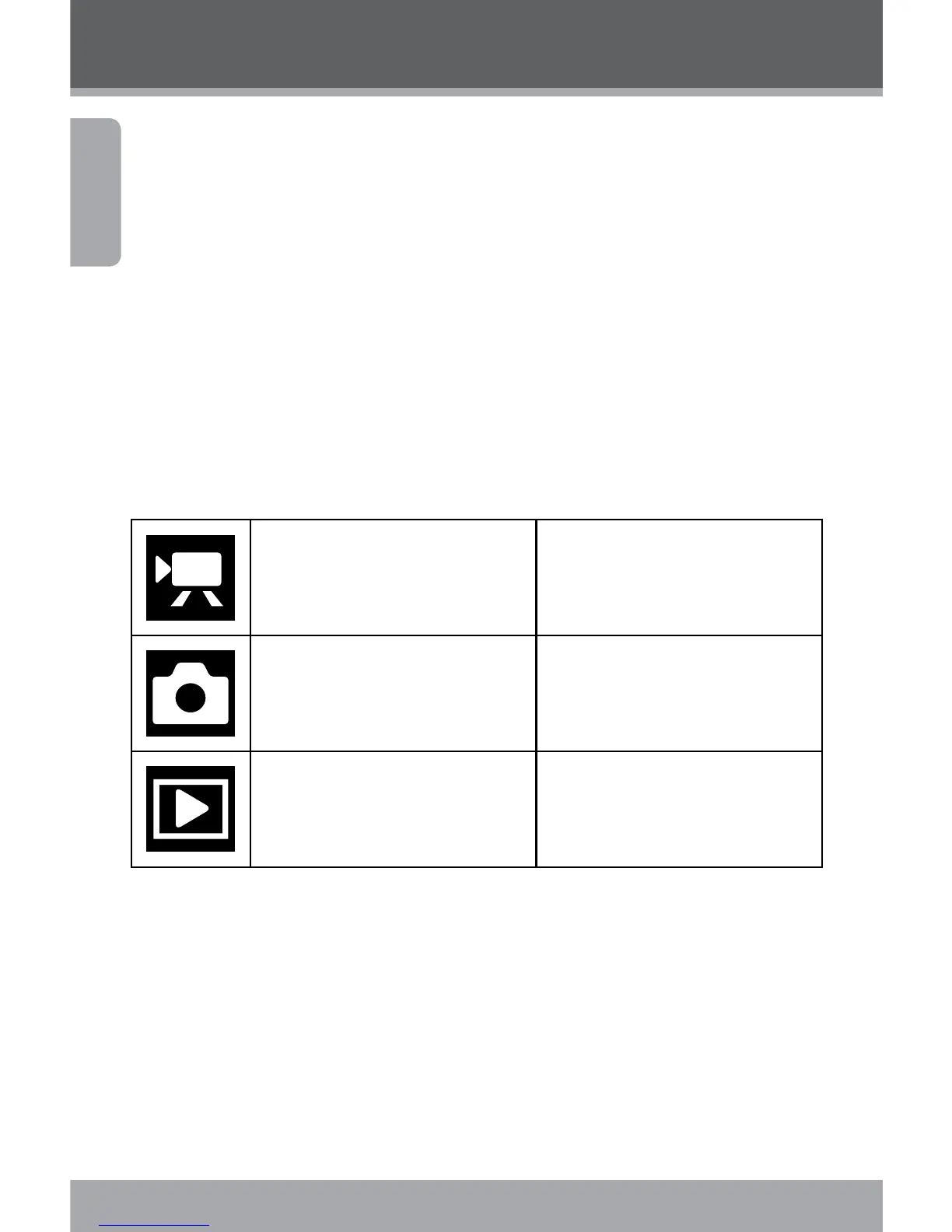
Your digital video camera includes three modes. Press the
<MODE> button to toggle between them.
Video Mode Record video clips
Photo Mode Capture still images
Playback Mode Review video and image les
Video Mode
When you turn on your digital video camera, it will automati-
cally enter Video Mode. To record video:
Press the <SHUTTER> button to begin recording.
Press the <OK> button to pause recording. Press it
again to resume.


 To Next Page