FUNCTION BUTTONS
LCD Mode
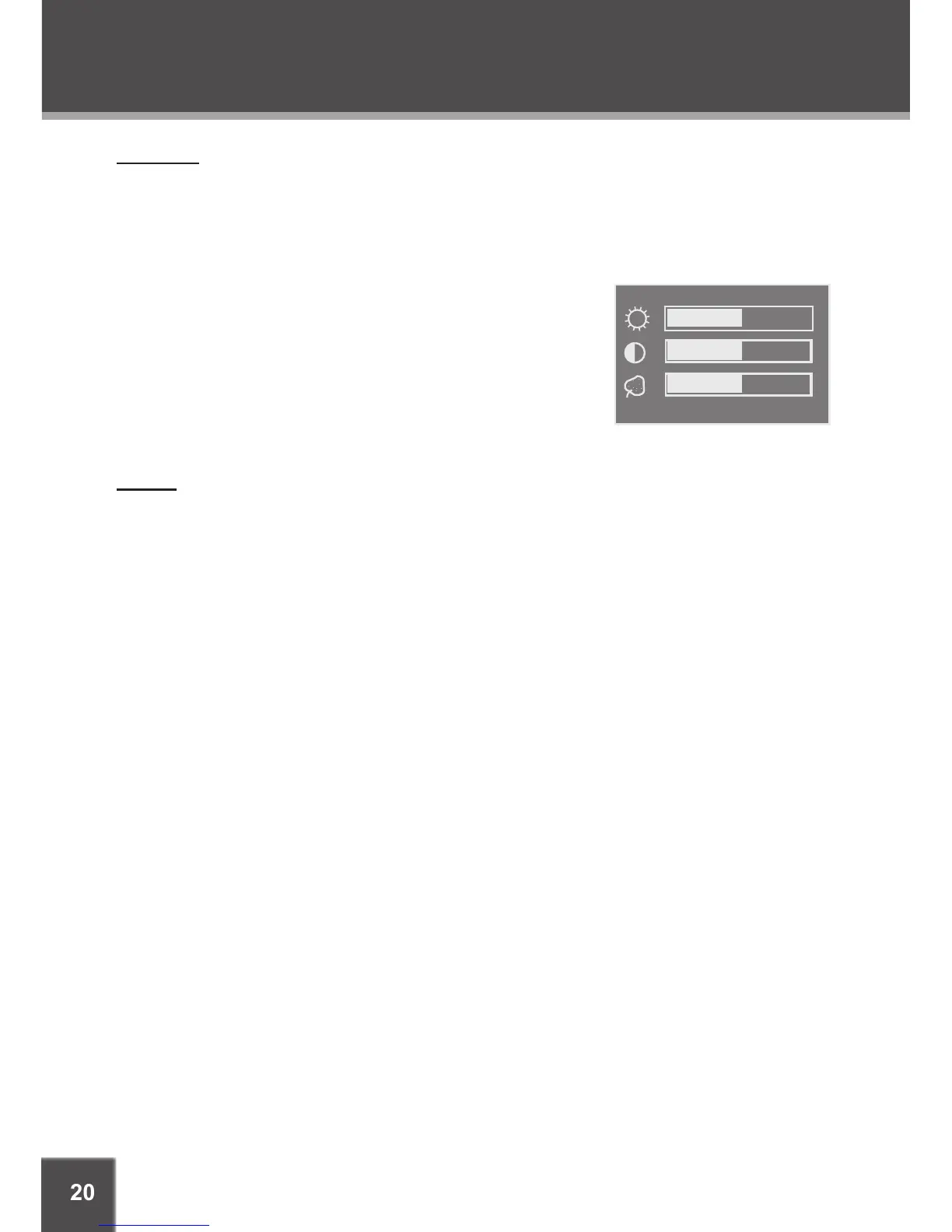
Press the LCD MODE button to adjust the brightness, contrast, and color of the LCD screen.
Press the UP/DOWN navigation keys to select the desired setting to adjust. From top to
bottom, the settings are: Screen, Brightness, Contrast, Color, and Reset.
Press the LEFT/RIGHT navigation keys to adjust the selected setting.
Use the BRIGHTNESS adjustment to make the screen
brighter or darker.
Use the CONTRAST adjustment to display a picture
with higher or lower contrast.
Use the COLOR adjustment to display a picture with
higher or lower color saturation.
Select RESET and press ENTER to return the LCD
mode adjustments to their factory-default settings.
Display
Press the DISPLAY button once to show time information on-screen; press it twice to show
status information on-screen; press it a third time to exit the on-screen display mode.
1.
2.
•
•
•
•
•


 To Next Page