nit ie
3
Unit View
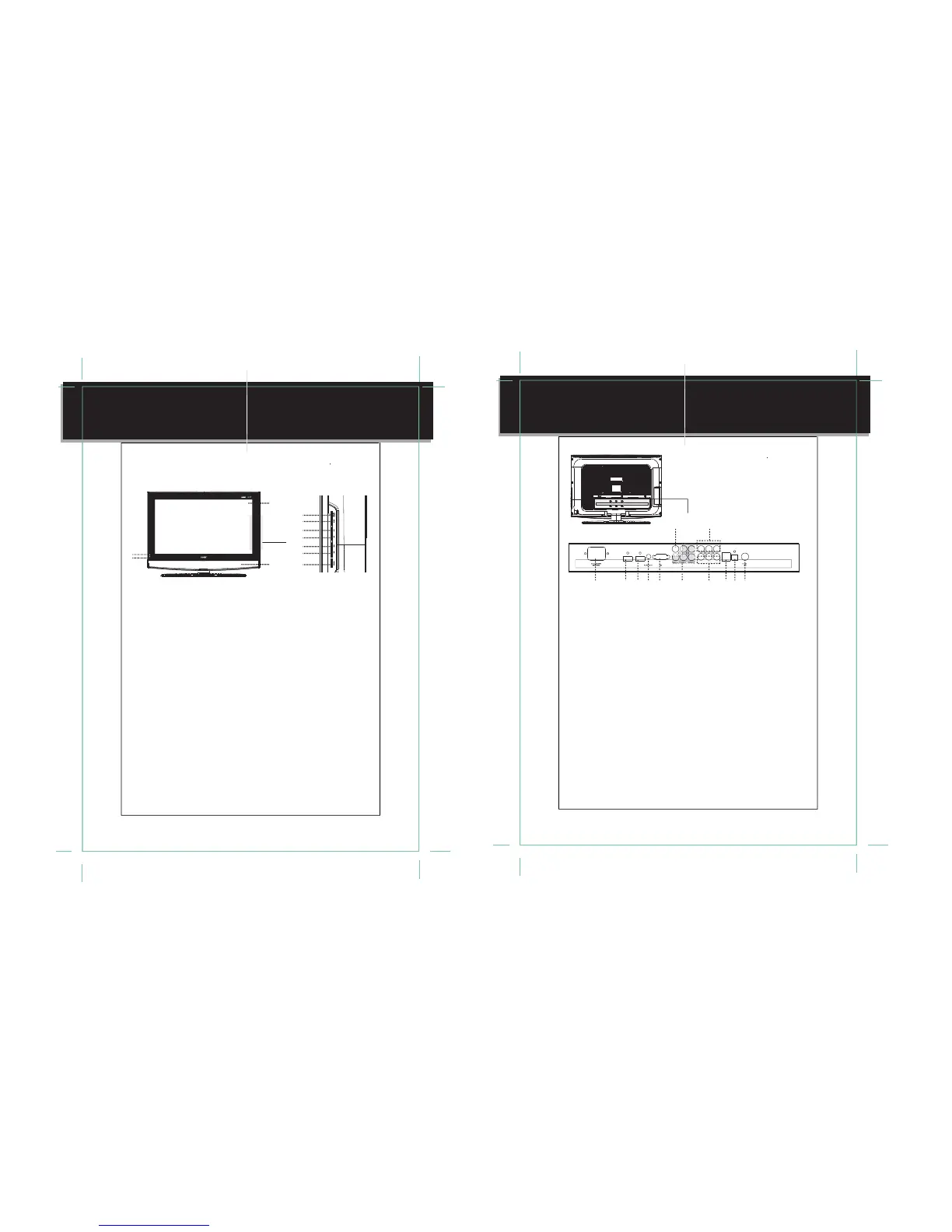
1. MODE/ENTER
Press to shift modes. While working with the
menu, press to confirm settings.
2. MENU
Press to display the system menu.
3. CH+
Press to skip channels forward.
It also works as the up direction button while
working with the menu.
4. CH-
Press to skip channels backward.
It also works as the down direction button
while working with the menu.
5. VOL+
Press to increase the volume.
It also works as the right direction button
while working with the menu.
6. VOL-
Press to decrease the volume.
It also works as the left direction button
while working with the menu.
7. POWER
Press to turn the power on/off.
8. Remote Sensor
Sense the remote signal.
9. Power On Indicator
Lights green during normal usage.
Lights red during standby.
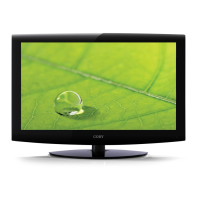
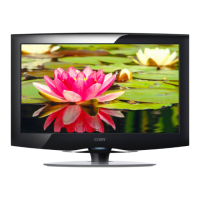
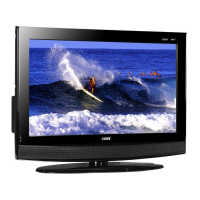
10. Screen
Present the high resolution picture.
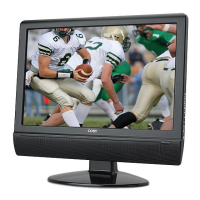
11. Speaker
Output sound.
<
8
1
2
3
4
5
6
7
9
11
10
Front Panel
nit ie
4
Unit View
>
VIDEO-OUT AUDIO-R AUDIO-L
HDMI-2 HDMI-1 Y
Pb
Pr
VIDEO-1 AUDIO-R AUDIO-L S-VIDEO OPTICAL
1234567101112
8
9
1. Power Jack
Connect with the power supply.
2. HDMI2
Input the audio/video signal.
3. HDMI1
Input the audio/video signal.
4. PC Audio In
Input the PC audio signal.
5. VGA
Connect with the VGA port on the computer.
6. Component Input
YCb/Pb Cr/Pr - - Input the video signal.
AUDIO-L, AUDIO-R - - Input the audio signal.
7. AV1 Input
VIDEO-1 - - Input the video signal.
AUDIO-L, AUDIO-R - - Input the audio signal.
8. AV2 Video Input
VIDEO-2 - - Input the video signal.
9. AV Output
VIDEO-OUT - - output the video signal.
AUDIO-L, AUDIO-R - - Output the audio
signal.
10. S-VIDEO
Input the S-Video signal.
11. OPTICAL
Output the audio signal.
12. Antennal Jack
Connect with the TV RF signal source.
Rear Panel


 To Next Page