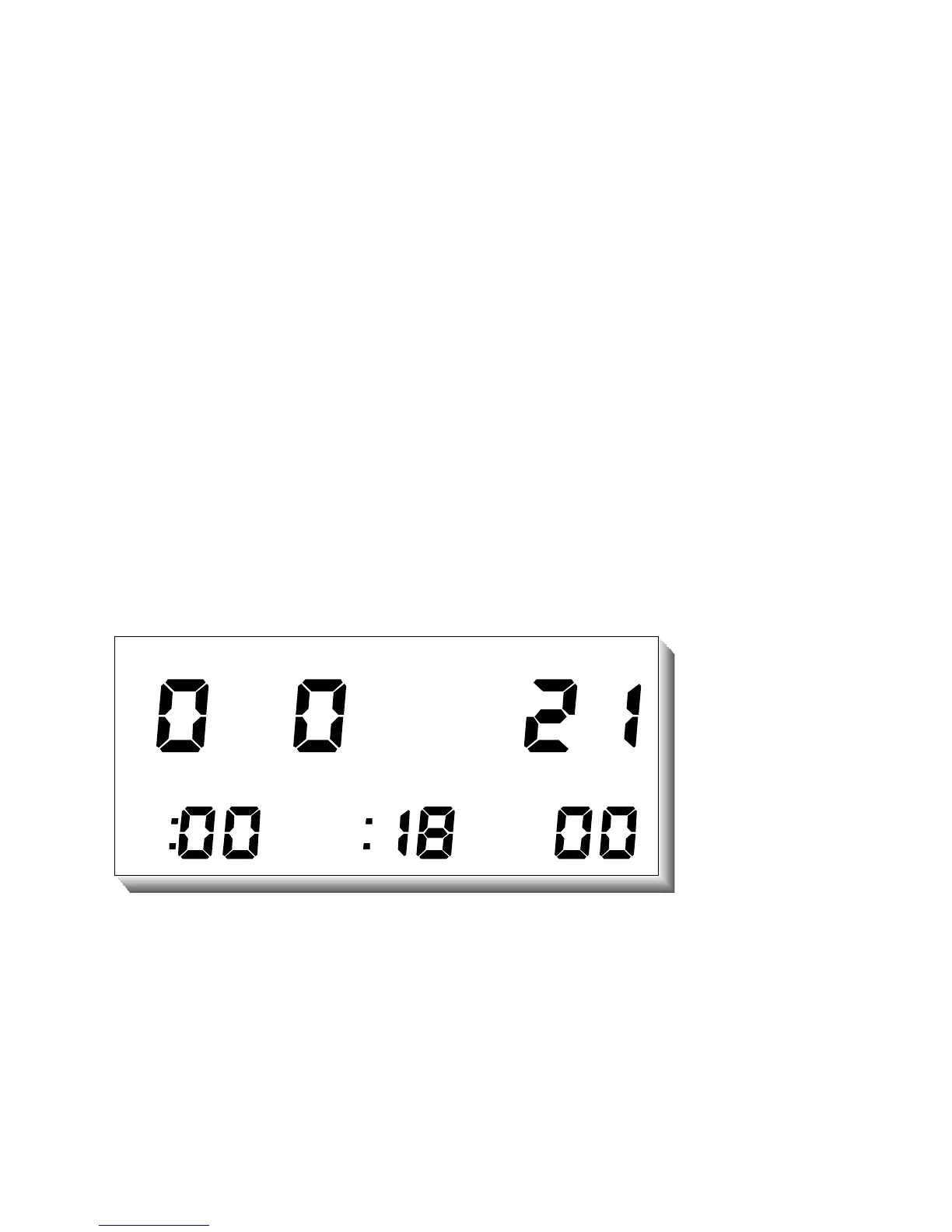
the previous dive’s Bottom Time, Dive of Day number, current Time to Fly, and
Temperature are displayed.
“Surface Time” starts at zero immediately after a dive and begins counting minutes. If
the computer shuts off and is turned on with nitrogen residual left, the Surface Time will
continue to count. If the computer shuts off and is turned on with no nitrogen residual
left, the Surface Time will be zero.
“Dive of Day” starts at zero and increments after each dive regardless of the calendar
day. When there is no remaining nitrogen residual, the Dive of Day is set to zero and
the computer is referred to as a “clean” system.
“Time to Fly” is displayed as the number of hours remaining until the nitrogen residual
reaches zero plus a twelve-hour safety factor. Flying is not recommended until the Time
to Fly reaches zero.
D
I
V
E
METRIC
DEPTHMAXBOTTOM
TEMPFLY
SURF
.



 To Next Page