Tem perature21c
Altitude < 600 m tr
Ba tte ry O K
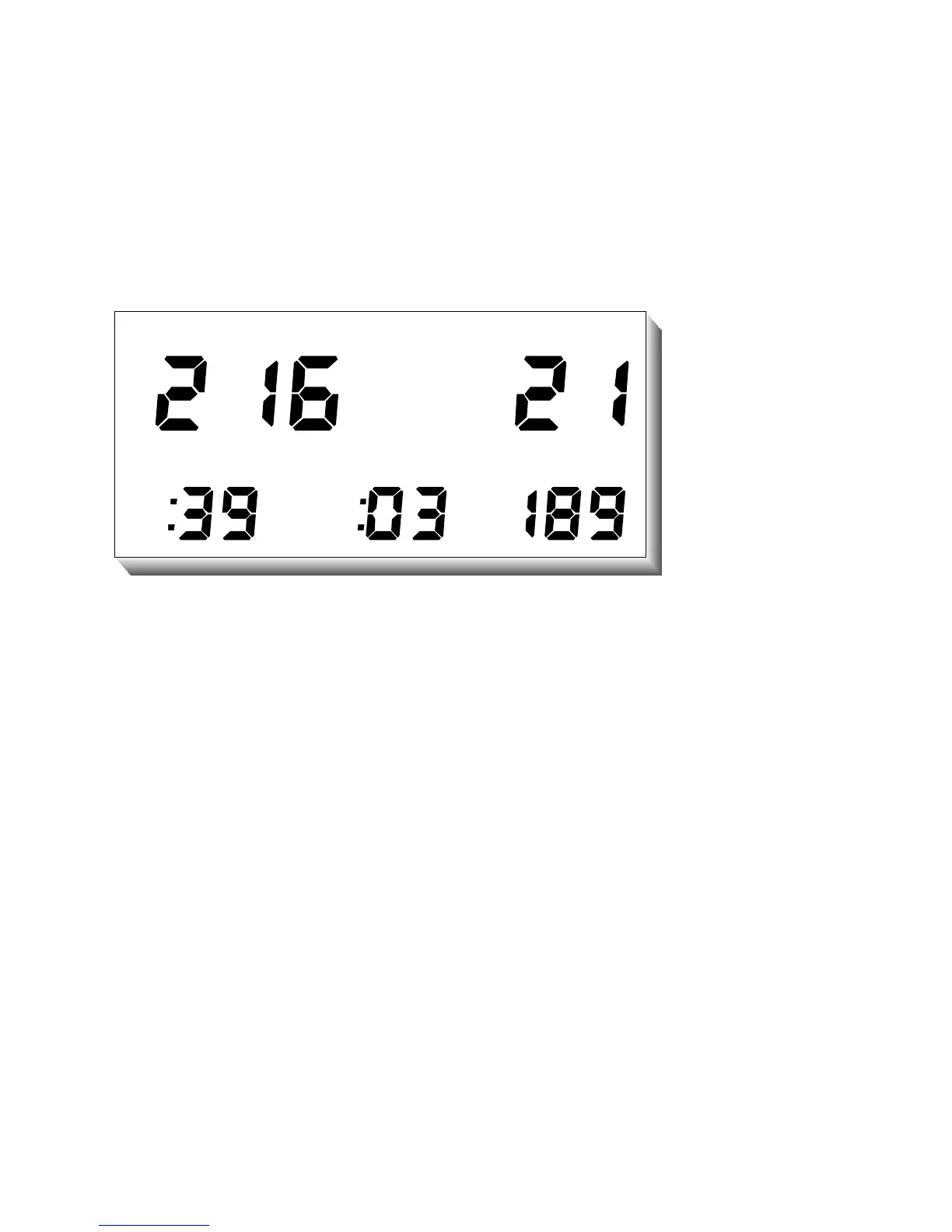
LOGBOOK MODE: To enter the Logbook Mode, the COMMANDER+ must be in the
normal Surface Mode. Touching Contacts 1 and 2 simultaneously with wetted fingers
will cause the unit to enter the Logbook Mode.
The most recent dive will be displayed first. To view the next dive, touch the contacts
again after pausing for a few seconds. Do not use a metal object such as a coin or
knife-blade to enter the Logbook Mode since it will cause the unit to enter the
Programming Mode.
The internal storage capacity of the Logbook Mode is 100 dives. Therefore, only the
most recent 100 dives can be viewed since the earlier dives have been over-written.
Information contained in each log will include Overall Dive Number, Minimum Water
Temperature, Maximum Depth, Bottom Time, Surface Interval before the dive, and
Fastest Rate of Ascent.
28



 To Next Page