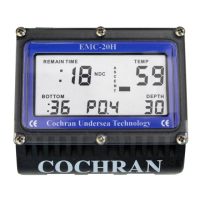
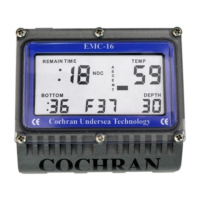
All programming sequences use the same routine of using Contacts 1 and 2 to SELECT
the next programming sequence and Contacts 2 and 3 to INCREMENT the specified
value. If a value requires three digits to be programmed, a -3, then a -2, and then a -1
will be displayed in the upper left-hand corner. The -3 identifies the most significant
digit, or the far-left digit, of the value being displayed. The -2 identifies the next most
significant digit, or the center digit, of the value being displayed. The -1 identifies the
least significant digit, or the right digit, of the value being displayed.
For Oxygen Percentage programming, the -3 identifies the 10's digit, the -2 identifies the
1's digit, and the -1 identifies the 1/10th's digit. For Depth Alarm, the -3 identifies the
100's digit, the -2 identifies the 10's digit, and the -1 identifies the 1's digit. Some values
use only two digits. For these values, only a -2 and -1 will be displayed.
Once all of the desired values have been programmed, you must SELECT through the
entire programming sequence WITHOUT making any additional changes before the
COMMANDER+ will exit the Programming Mode with all of the values saved into
memory. It is strongly recommended that the Programming Mode be activated again
and a complete review of what was stored is accomplished.
CAUTION: Bridging Contacts 1 and 2 with wetted fingers instead of a metal object
while in the Programming Mode will cause the COMMANDER+ to exit the Programming
Mode WITHOUT saving the desire values. A coin or other highly conductive metal must
be used throughout the entire programming process.
33



 To Next Page