43
【 TIP ⑤ 】 You can make album art and add it into each album.
7-2. In the case that the X10 is NOT connected to a network(internet).
7-2-1. Ripping All
This procedure is for loading (ripping) all the tracks on CD.
If you prepare an album art file (JPG, GIF or PNG
file) and put it onto hard disk of X10, you can add
the album art during CD loading(ripping) by
pressing this icon.
① Insert CD into X10.
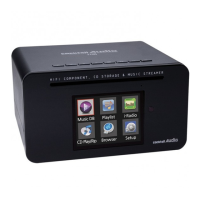
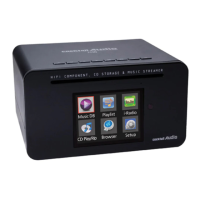
② Select CD Play/Rip icon and press OK.
Track list is displayed as in the screen below.
③ For loading (ripping), press MENU button.
The below screen “Ripping All” is displayed.
【 TIP 】 Without a network(internet) connection, the
inserted CD will get metadata (tag info) if you installed
FreeDB onto X10 hard disk. The FreeDB data CD is bundled
in X10 package.
④ Select Ripping All and confirm it with OK button.
⑤ Select one of the 4 file type options and confirm by
pressing the OK button. The below screen will be shown.


 To Next Page
 Loading...