EN
48
USER MANUAL
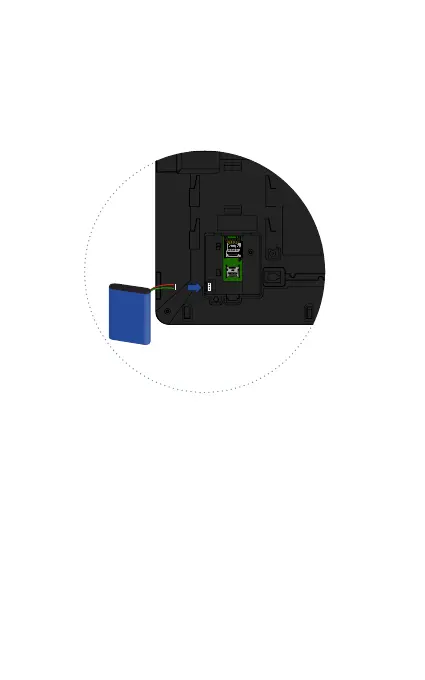
3. Insert the battery into its compartment and then insert
the connector. Put the battery compartment cover again,
ensuring it is securely in place.
4. Place the base in the back; insert the tabs into the holes, and
then move it up. The base has two use positions. Position (1)
provided you a more inclined view, and position (2) provided
a more vertical view.



 To Next Page