USER MANUAL EN
51
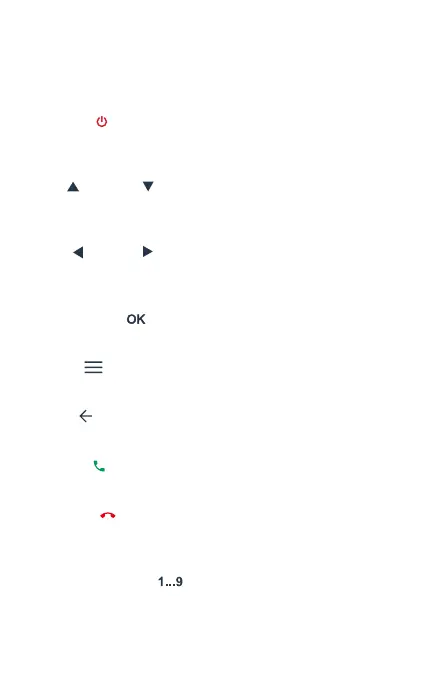
Keyboard
On / O [ ]
When the terminal is o, press for 3 seconds to turn on the tablet.
When the terminal is on, press for 3 seconds to turn o the phone.
Up [ ] / Down [ ]
Move the cursor up / down. In the initial screen, increase and
decrease volume.
Left [ ] / Right [ ]
Move the cursor left / right when accessing the on-screen menu or
submenus.
Conrmation [ ]
Conrm operations when accessing the on-screen menu or submenus.
Menu [ ]
Use this key to open the app drawer.
Back [ ]
Use this key to go back in applications.
Pick up [ ]
Press to make a call or answer an incoming call.
Hang up [ ]
During an active call, press it to end the call. From an app, long press to
Power On / O / Restart.
Numeric keyboard [ ]
Press to enter numbers.



 To Next Page