39
PC suite
There is an available PC application for your Co-Comm F840 that may let you
manage your calls, messages, contacts, etc. easily from your personal computer.
You can download the PC application for your Co-Comm F840 from the website
http://www.cocomm.es/pcsuite.
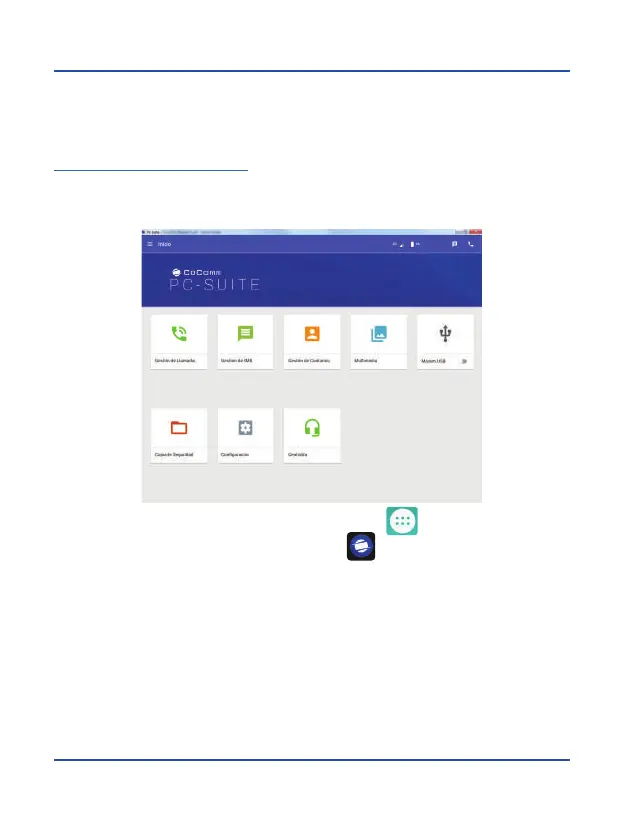
Download and install the application on your PC. When you launch the application, the
following interface will be displayed:
To enable PC Suite mode on your phone, press on the icon in the main menu to
access applications menu, and then on the icon to access the PC Suite
application. Connect the USB cable between terminal and PC, and then click on Start
PC Suite on the phone screen to connect the terminal to the installed application
within your PC.



 To Next Page