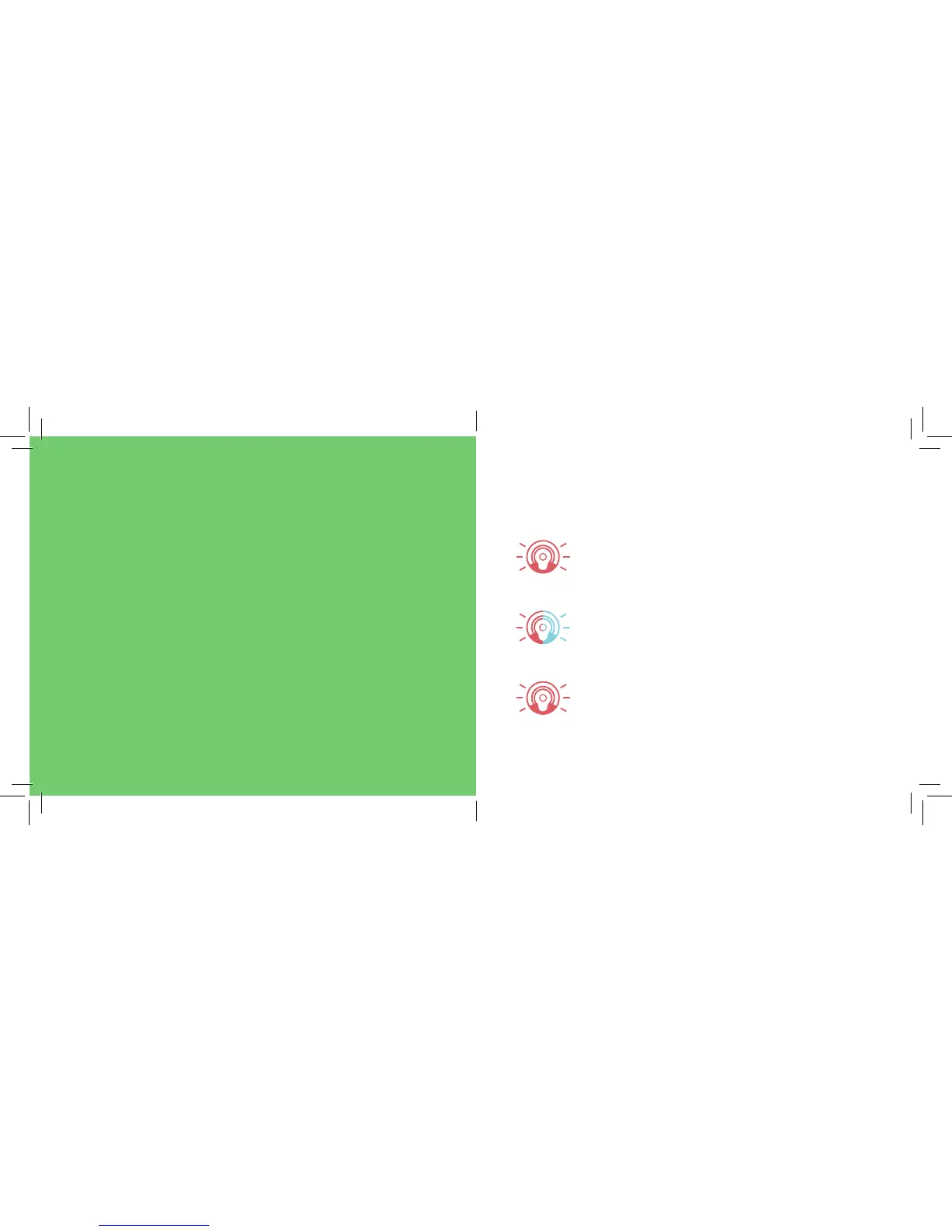
Understanding Cocoon’s light
During setup and normal use, Cocoon’s light
will ash and change colour.
This guide will help you to understand what
these lights mean.
Setup
RED, FLASHING
Paired, downloading a system update.
RED/BLUE, FLASHING
Not connected to Wi-Fi, ready to pair.
RED, FLASHING
Powered on and booting up.
Updates also periodically occur during normal use.



 To Next Page