EasyManua.ls Logo

Cocoon IT214054 - User Manual

Cocoon IT214054
28 pages
Print Icon
To Next Page IconTo Next Page
Loading...
Model Number: IT214054
INSTRUCTION MANUAL
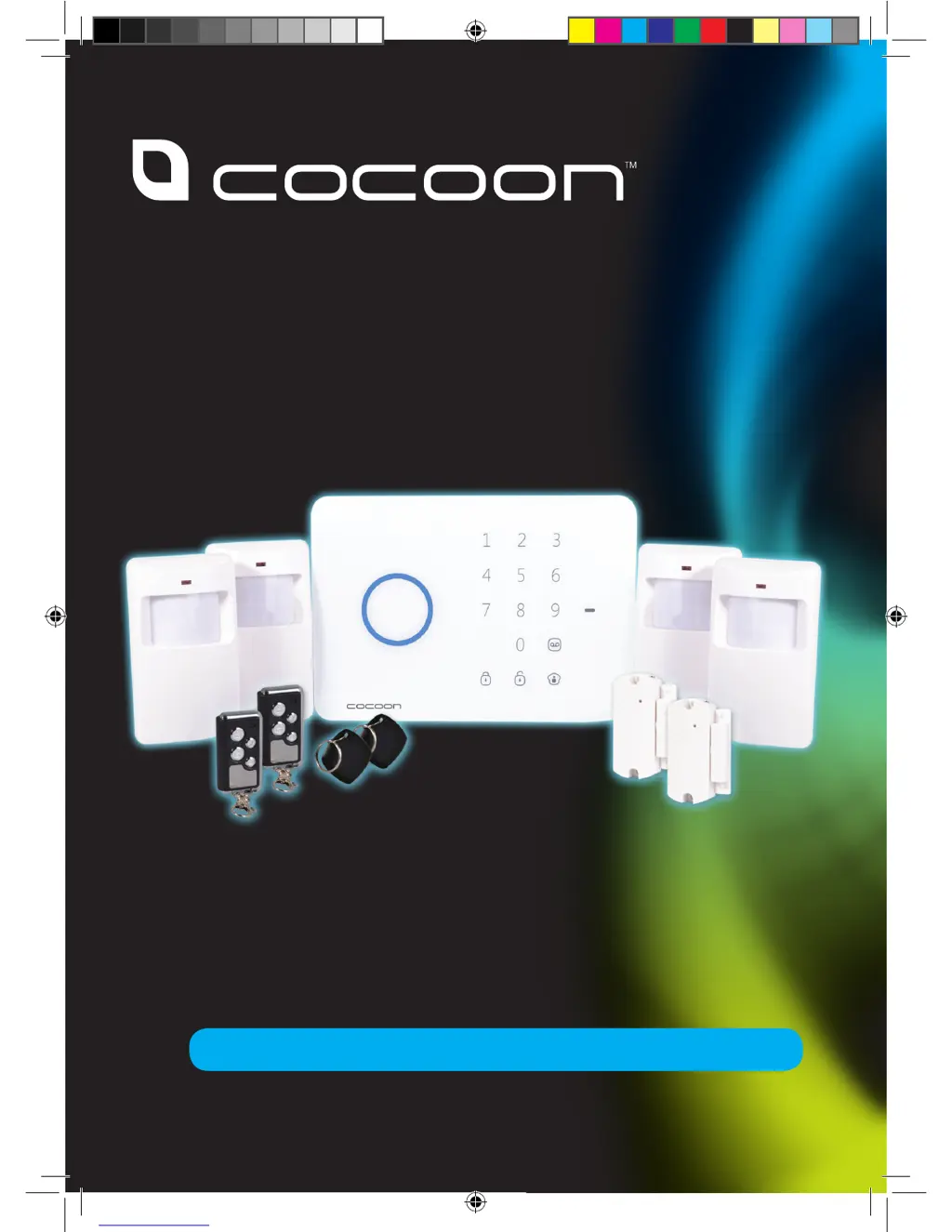
WIRELESS ALARM KIT
COMPLETE ALARM SYSTEM FOR HOME
OR BUSINESS

Questions and Answers

Summary

Warranty and Support

General Safety Instructions

Product Specifications

Parts List

Lists all components included in the Cocoon Wireless Alarm Kit.

Product Features

Highlights the main functionalities and benefits of the alarm system.

Technical Specifications

Details technical data for the Control Panel, PIR, and Door/Window sensors.

PIR Motion Sensor Specs

Specific technical details for the PIR motion sensors.

Door;Window Sensor Specs

Specific technical details for the door and window sensors.

Panel Layout

Front Panel Overview

Identifies components and controls on the front of the Control Panel.

Back Panel Overview

Identifies components on the back of the Control Panel.

Getting Started

Unpack and Check Components

Guide to unpacking the alarm kit and verifying all parts are present.

Connect Power and Mount Panel

Steps to connect the control panel to power and mount it using the stand.

Pairing Procedures

Instructions for pairing remote controls, swipe tags, and sensors to the control panel.

Arming and Disarming the System

Basic steps to arm and disarm the Cocoon Wireless Alarm System.

Installing Your Alarm

Control Panel Installation

General guidance on placing the control panel within range of sensors.

Wall Mounting the Control Panel

Detailed instructions for securely mounting the control panel on a wall.

Stand Mounting the Control Panel

Instructions for setting up the control panel using its freestanding stand.

Configuring Your Alarm

Setting Your PIN

Guide to changing the default PIN for system access and security.

Armed Mode Operation

Explains the fully active state where all sensors monitor for intrusions.

Disarmed Mode Operation

Describes the state where most sensors are inactive, except 24hr ones.

Home Mode Operation

Details the mode where perimeter sensors are armed, but interior motion sensors are not.

System Accessories

Swipe Tag Functions

How to activate and use swipe tags for system disarming.

Remote Control Functions

Pairing and operating the keychain remote controls for arming/disarming.

Voice Memo Feature

Instructions for recording and playing voice messages on the control panel.

PIR Motion Sensors

PIR Sensor Overview and LEDs

Information on PIR sensor LEDs, detection, and components.

PIR Sensor Pairing and Battery

Steps to pair PIR sensors and replace their batteries.

PIR Sensor Mounting Location

Recommendations for optimal placement of PIR motion sensors.

PIR Sensor Mounting Instructions

Detailed steps for installing PIR sensor brackets and sensors.

Door;Window Sensors

Door;Window Sensor Overview

Information on door/window sensor LEDs, operation, and components.

Door;Window Sensor Pairing and Battery

Steps to pair door/window sensors and replace their batteries.

Door;Window Sensor Mounting

Instructions for mounting door and window sensors and their magnets.

Advanced Settings

Wired Input Connections

Details on connecting external wired sensors, locks, or sirens to the system.

Changing Sensor Operating Modes

How to reconfigure sensor modes (Home, Normal, Delay, 24hr) using jumpers.

PIR Motion Sensor Time Delay

Adjusting the time delay for PIR motion sensor activation (5s, 30s, 2min).

Troubleshooting Guide

Repair and Refurbished Goods Notice

Cocoon IT214054 Specifications

General IconGeneral
BrandCocoon
ModelIT214054
CategorySecurity System
LanguageEnglish

Related product manuals